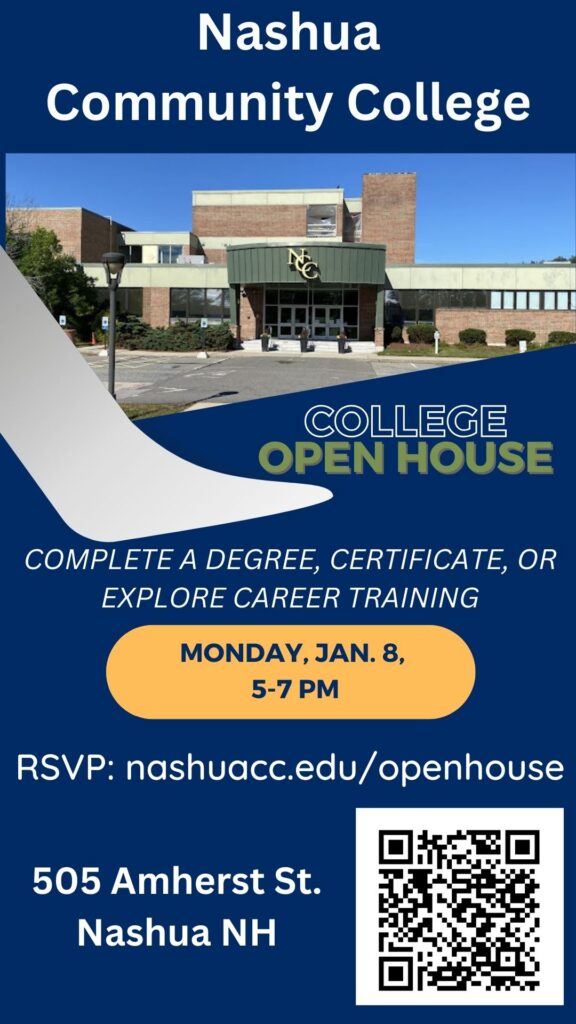
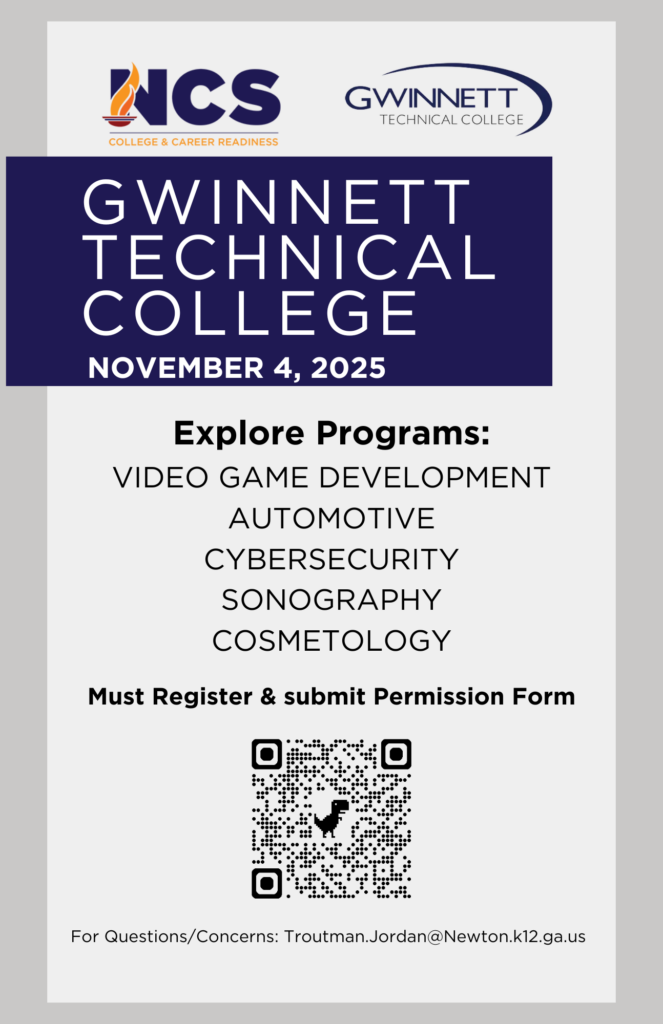
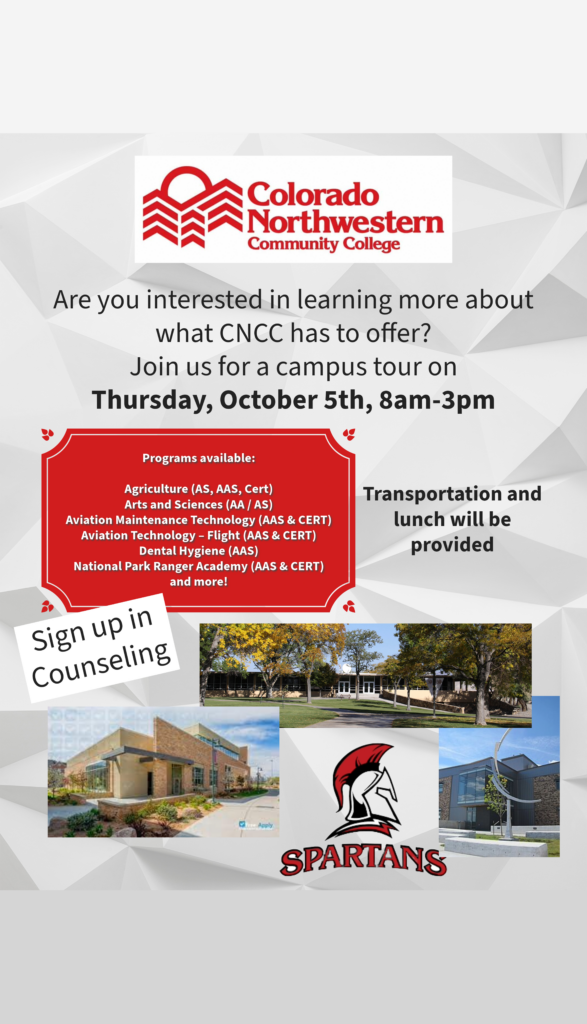
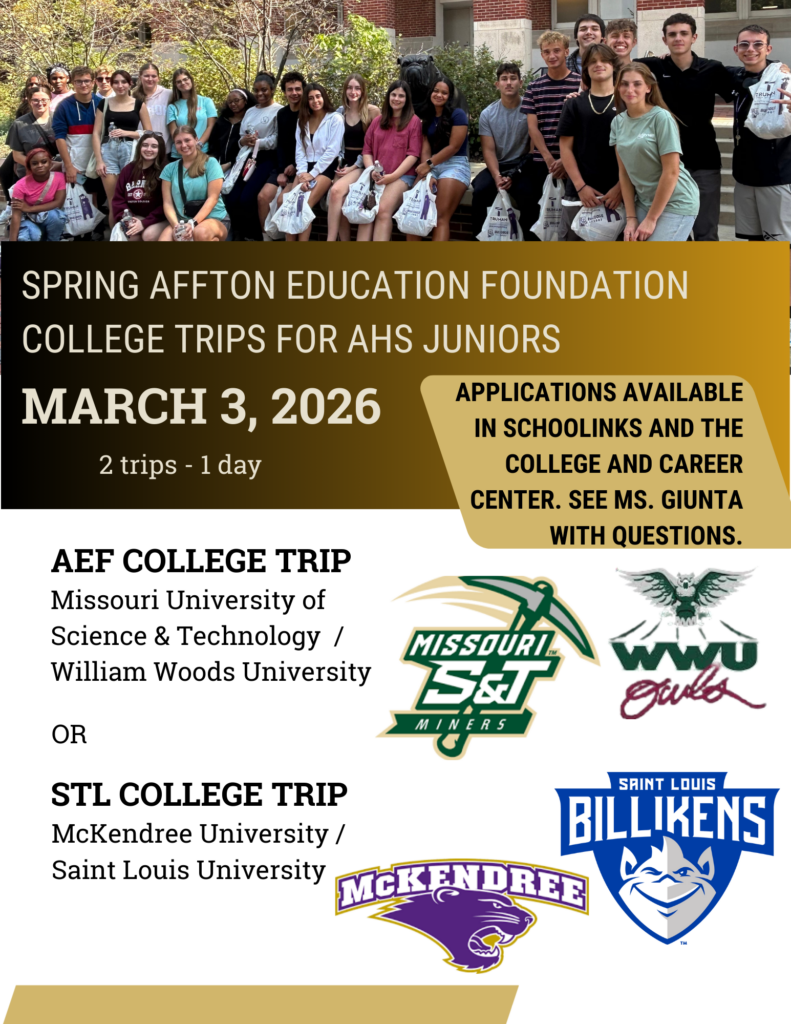
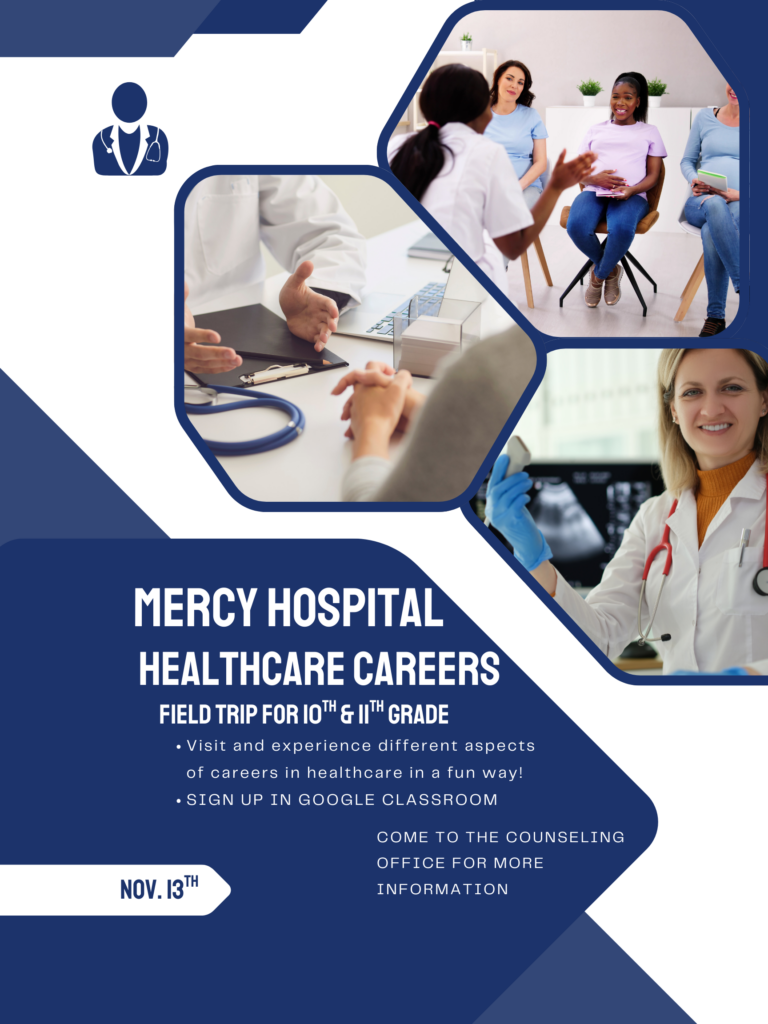
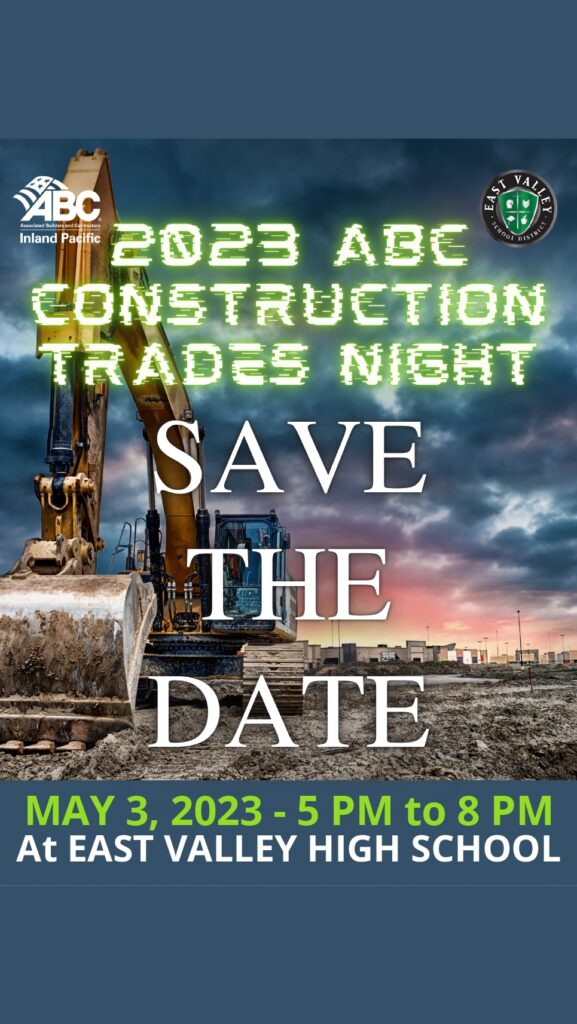
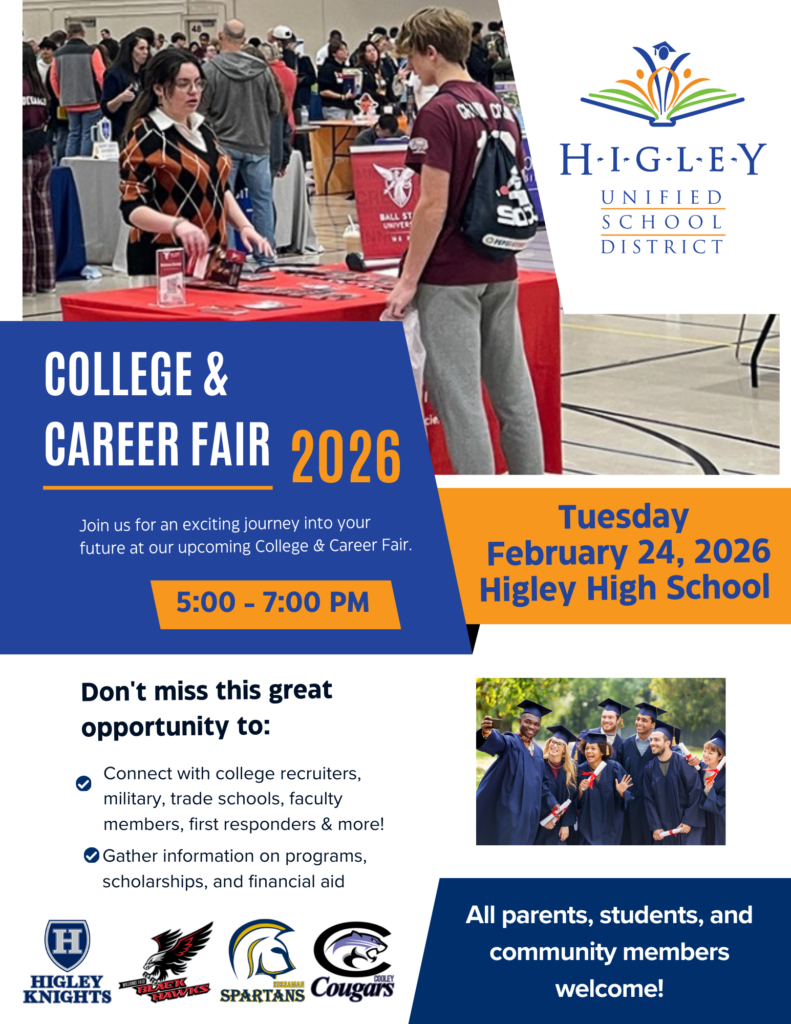
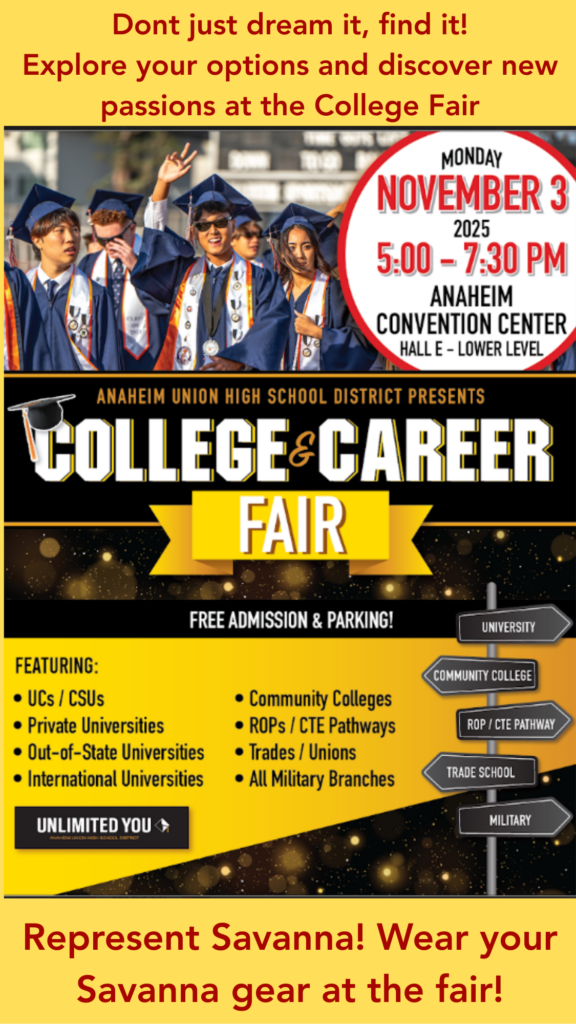
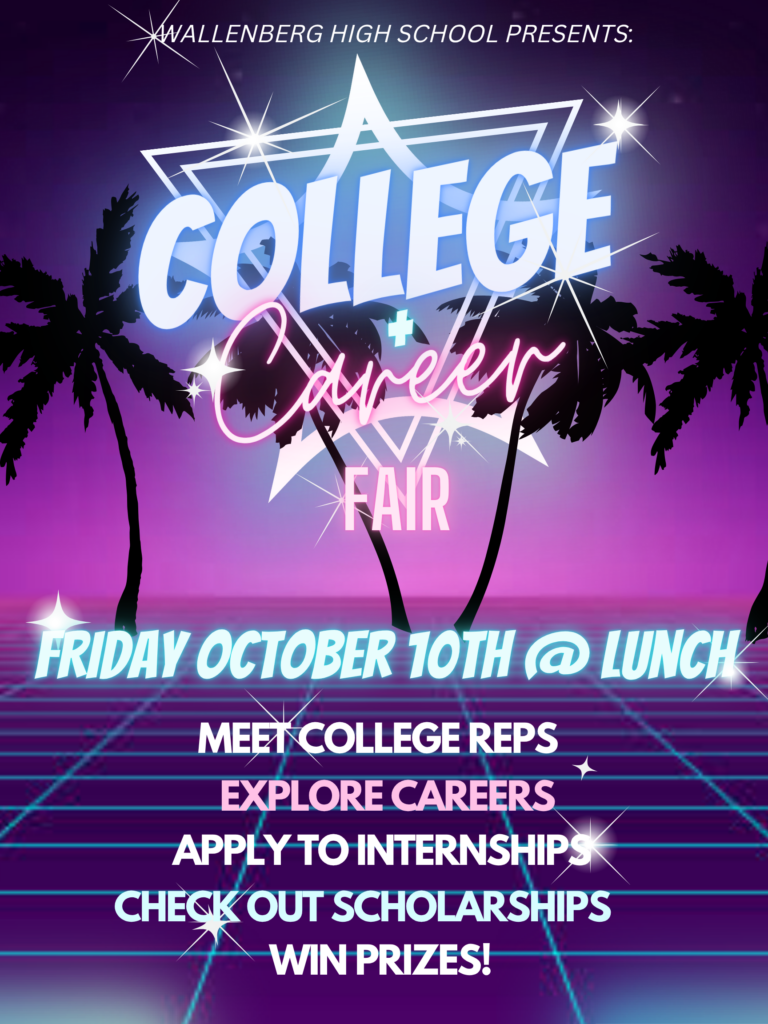
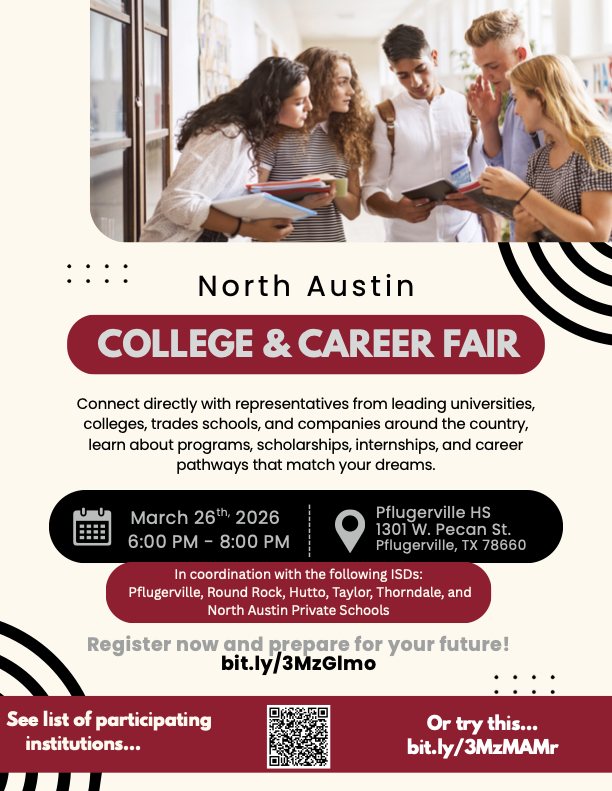
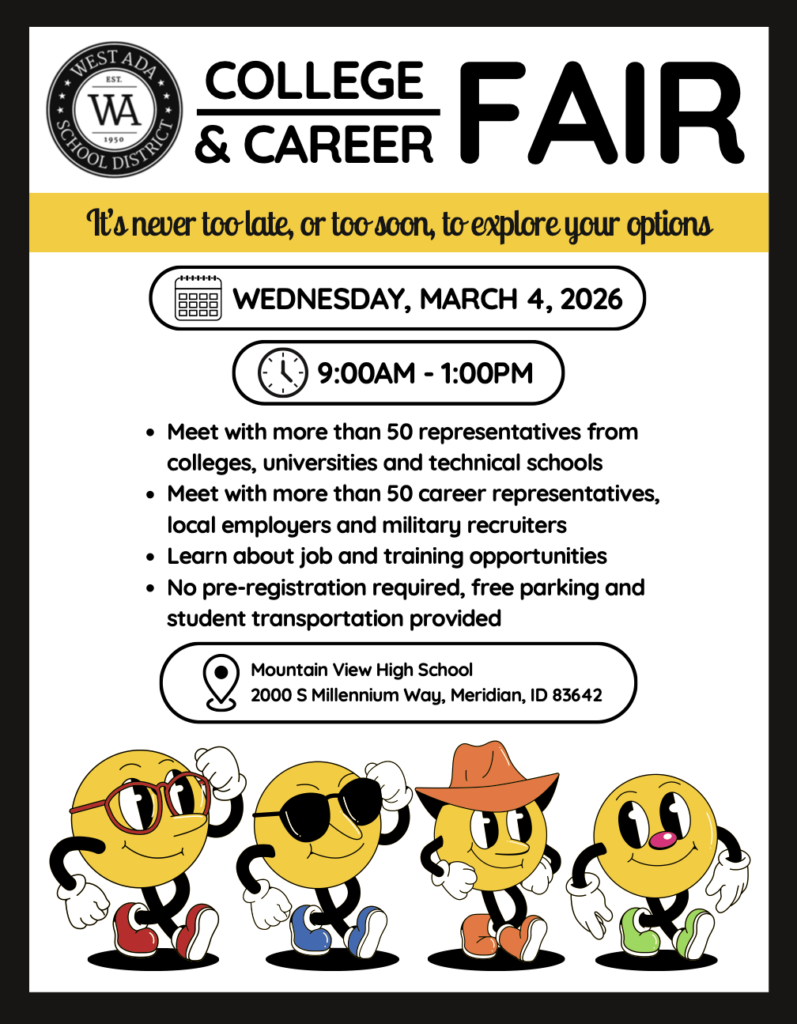
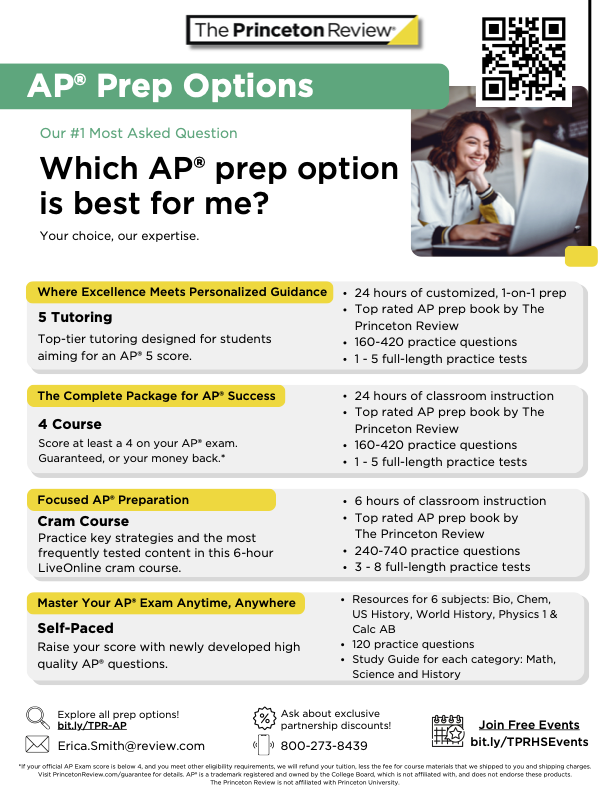
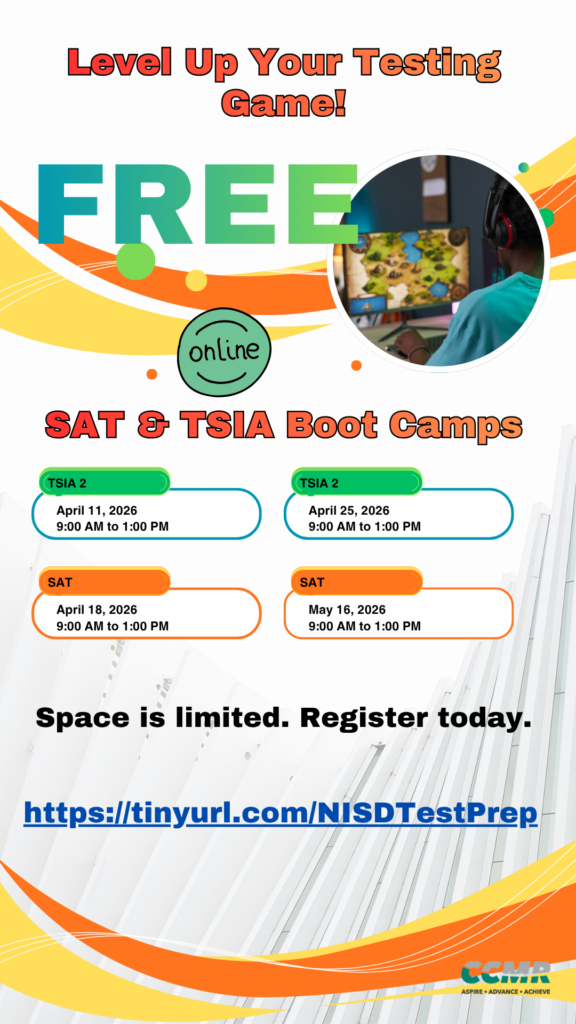
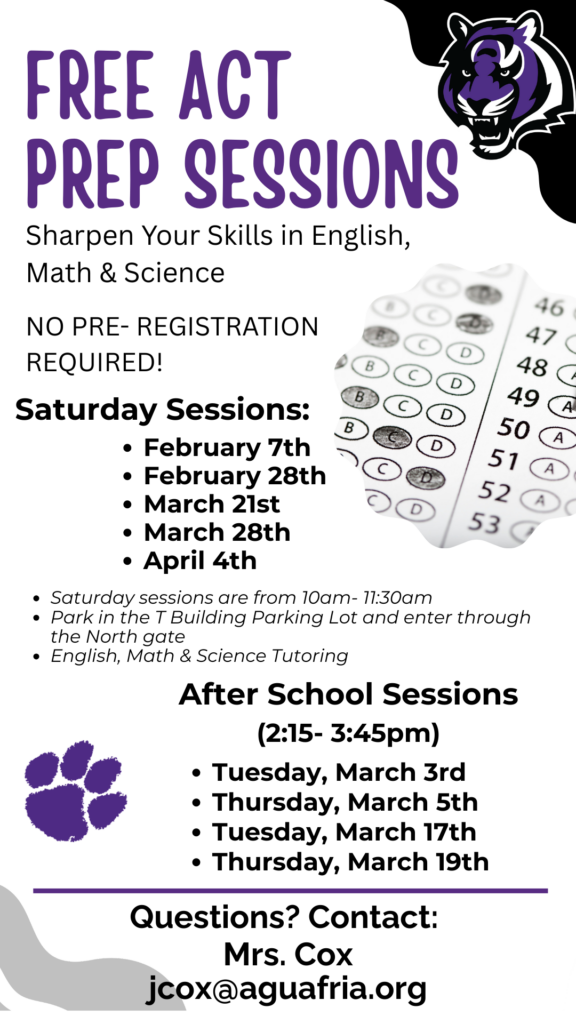
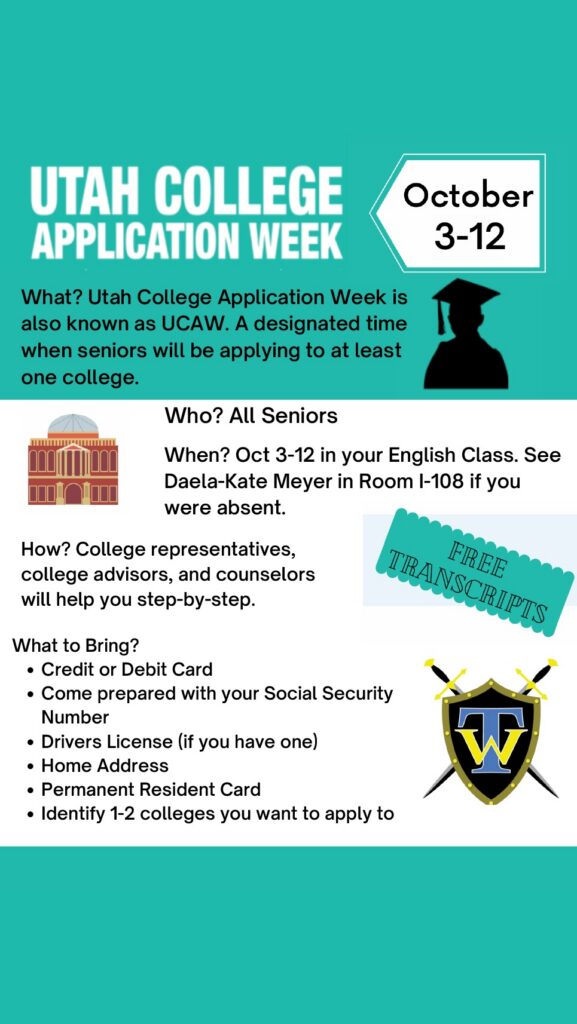
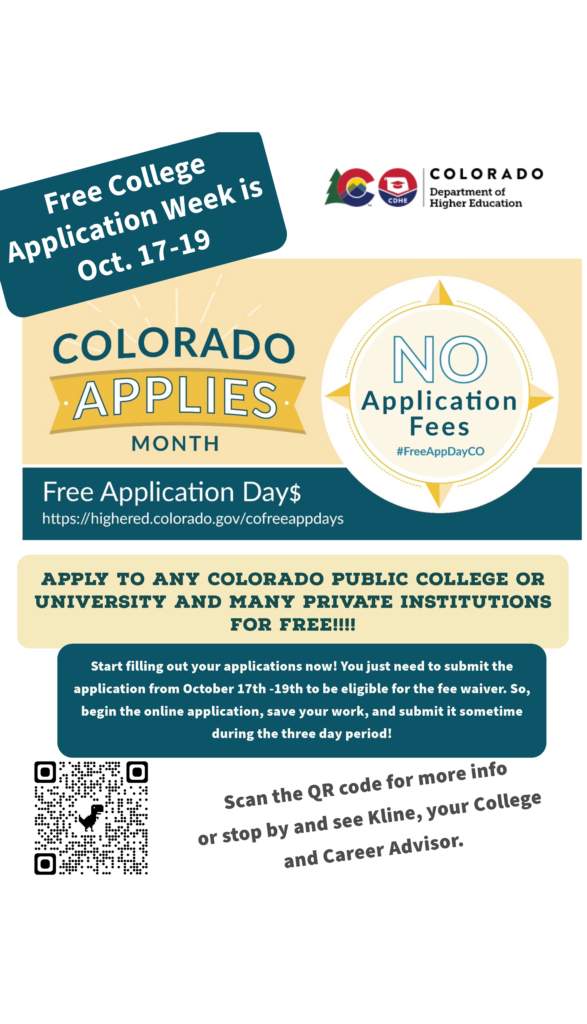
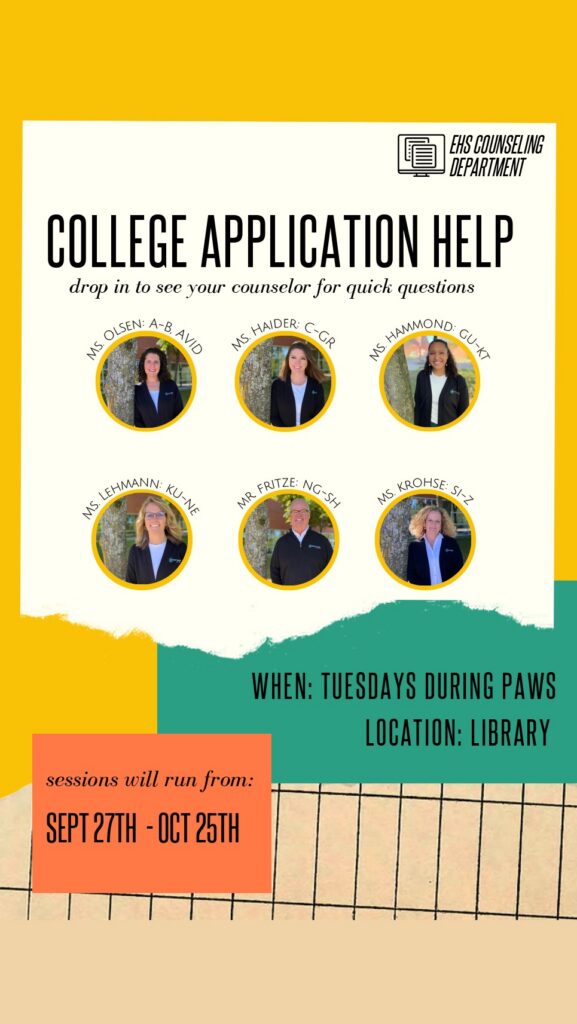
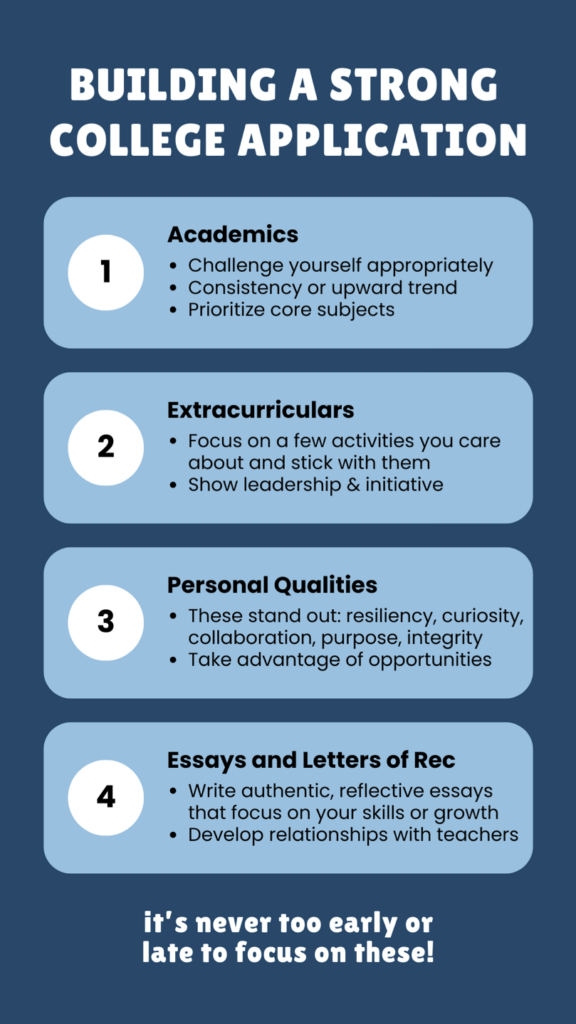
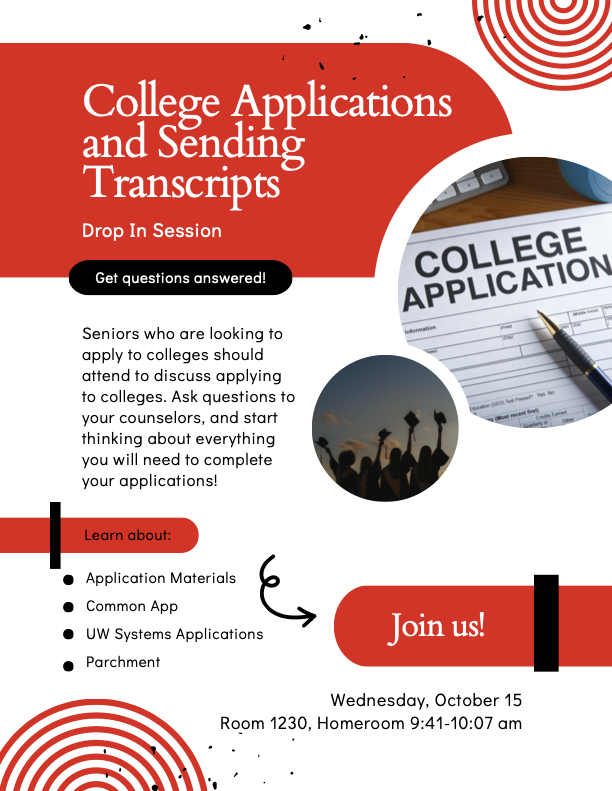
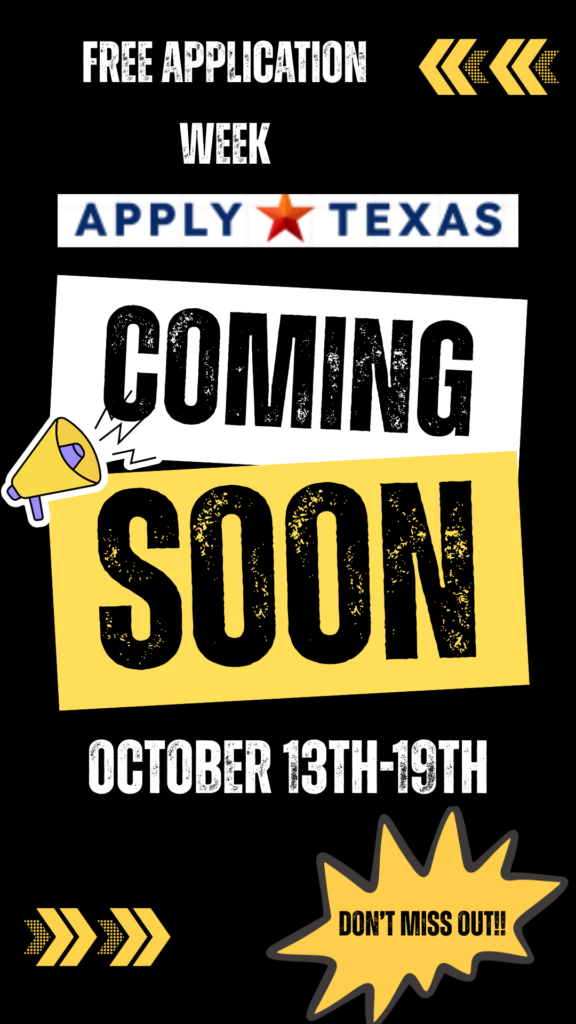
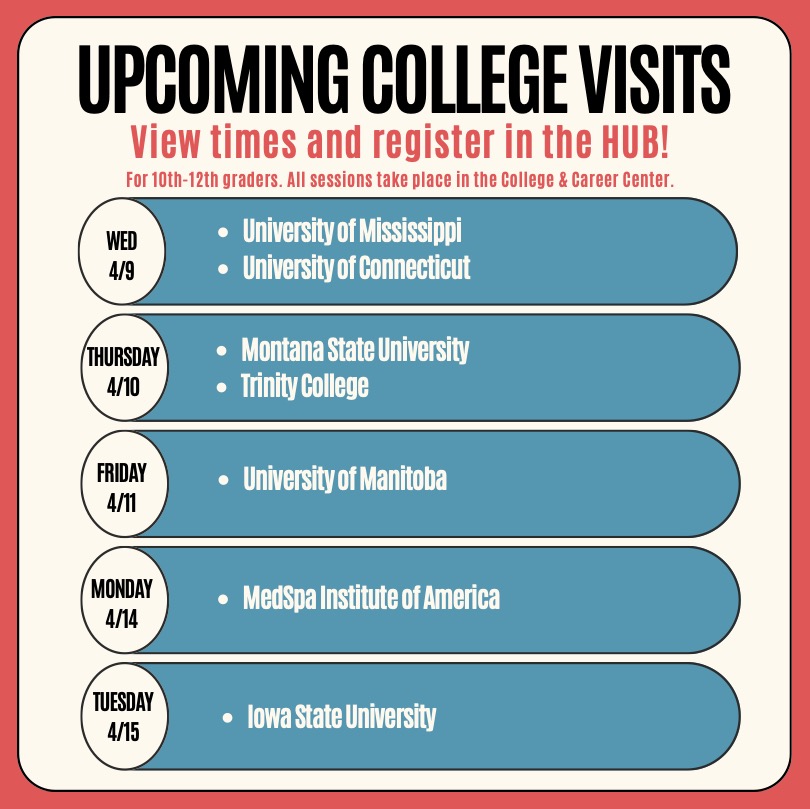
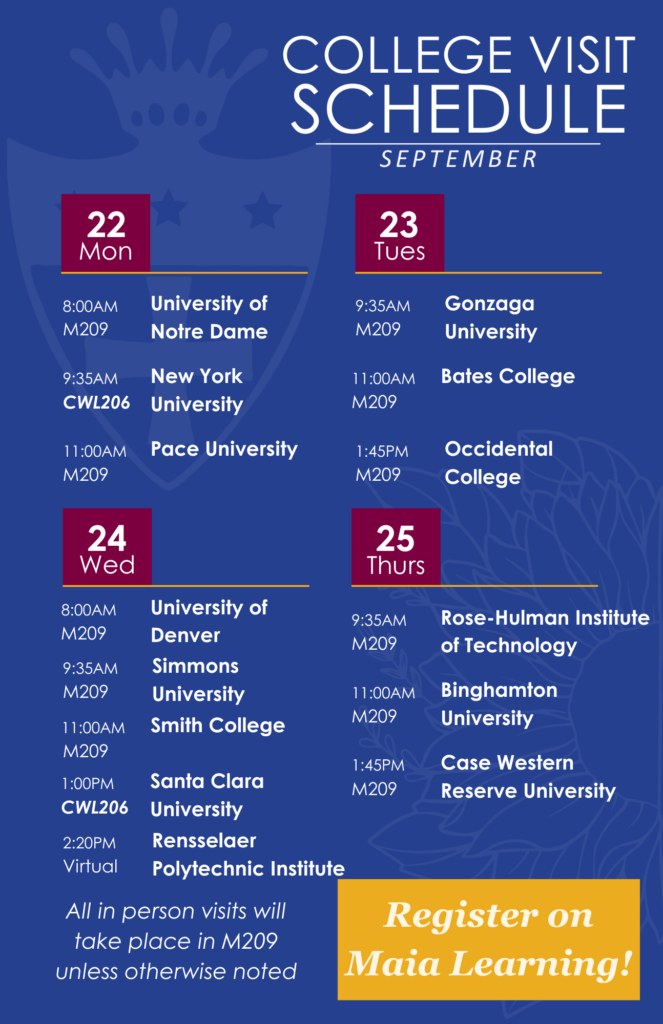
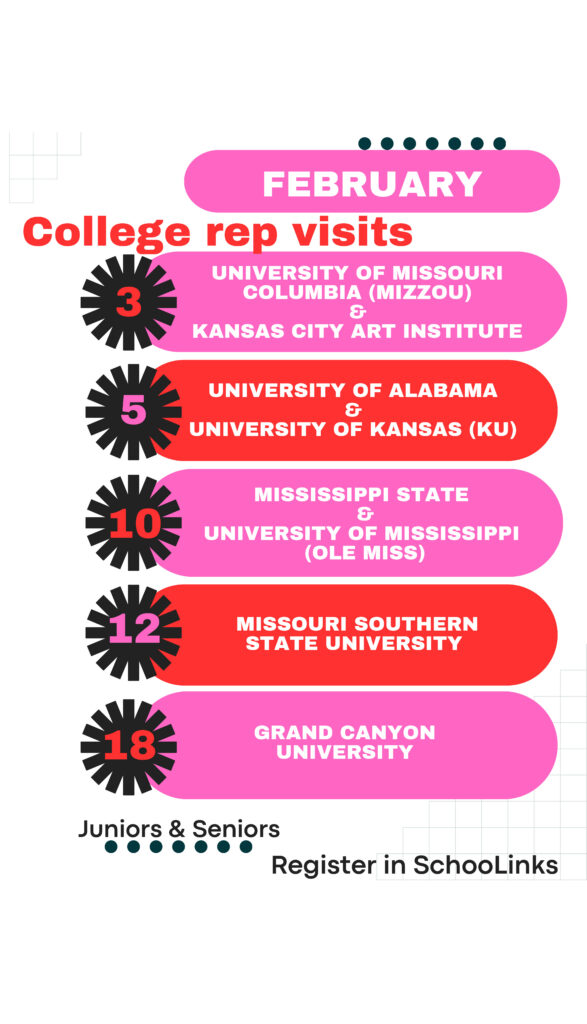
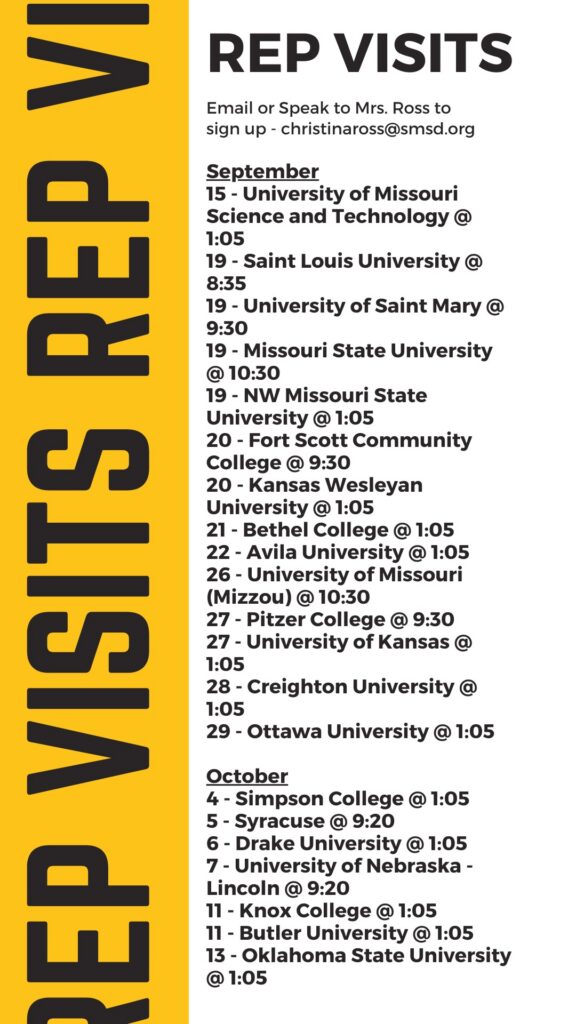
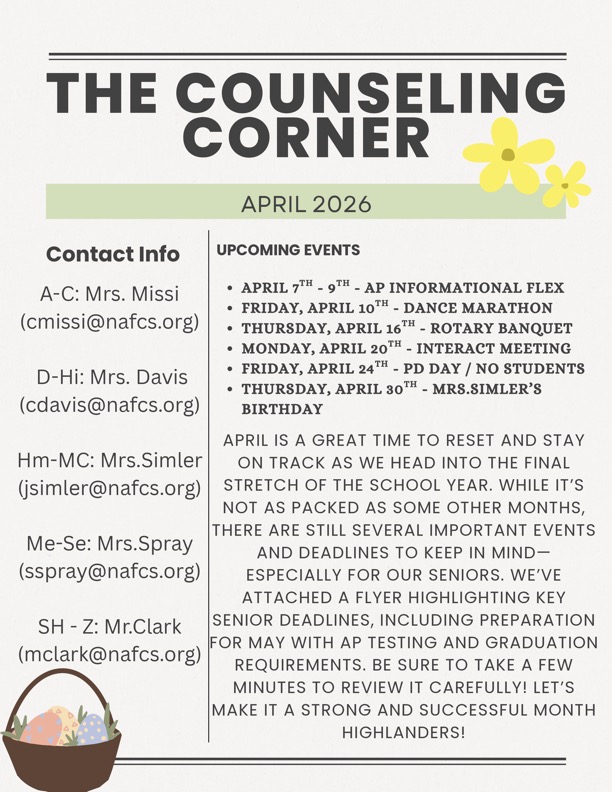
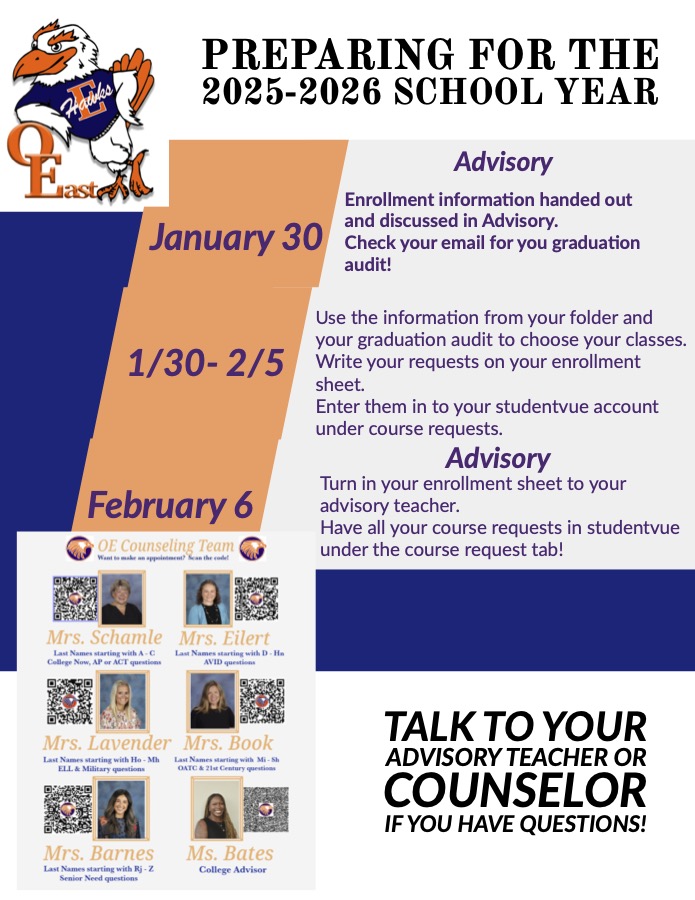
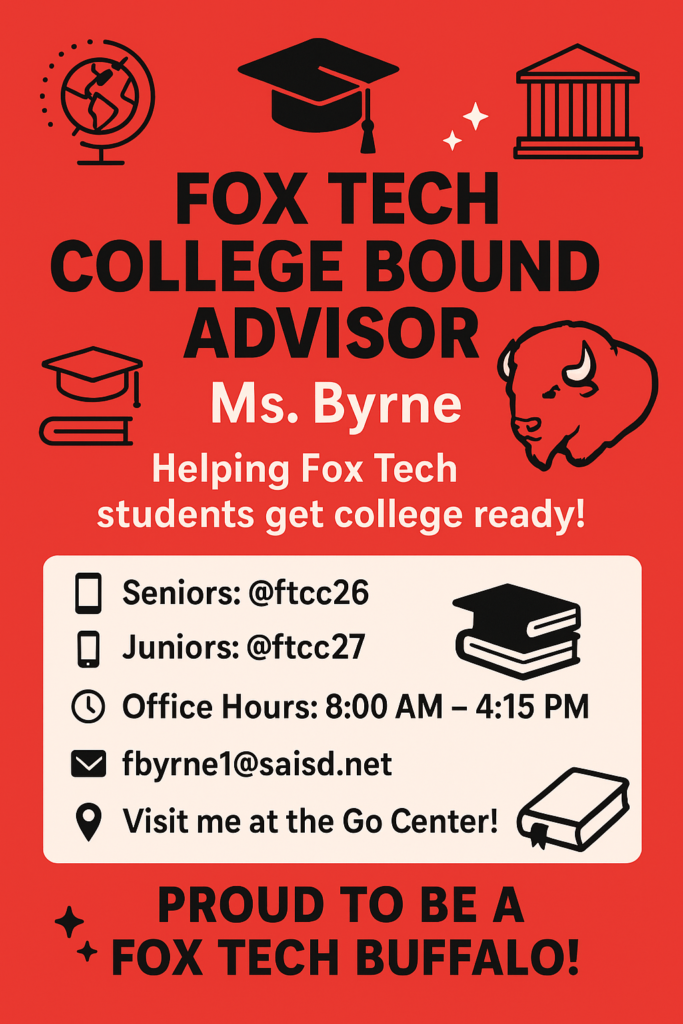
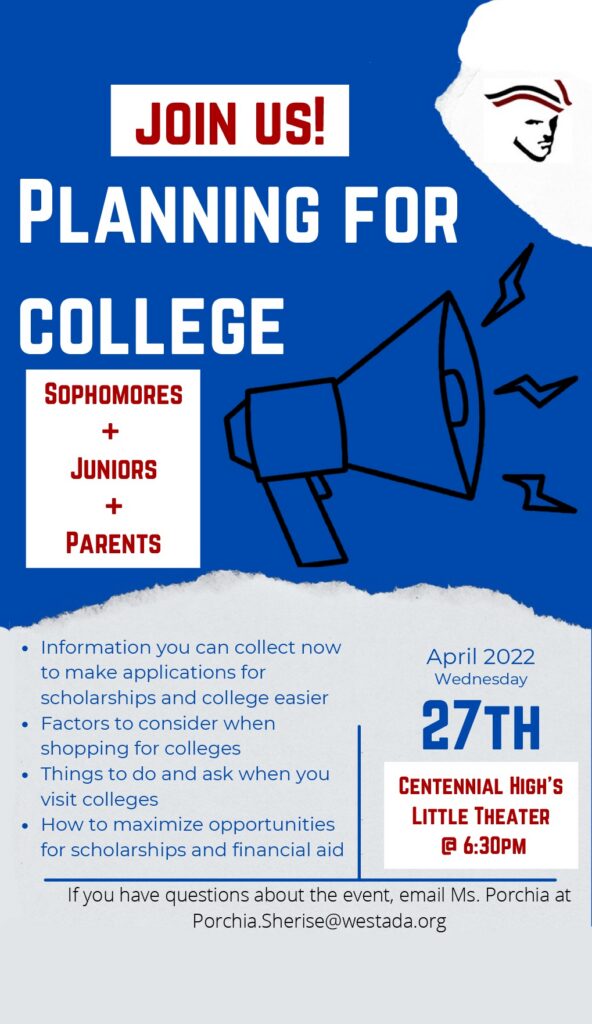
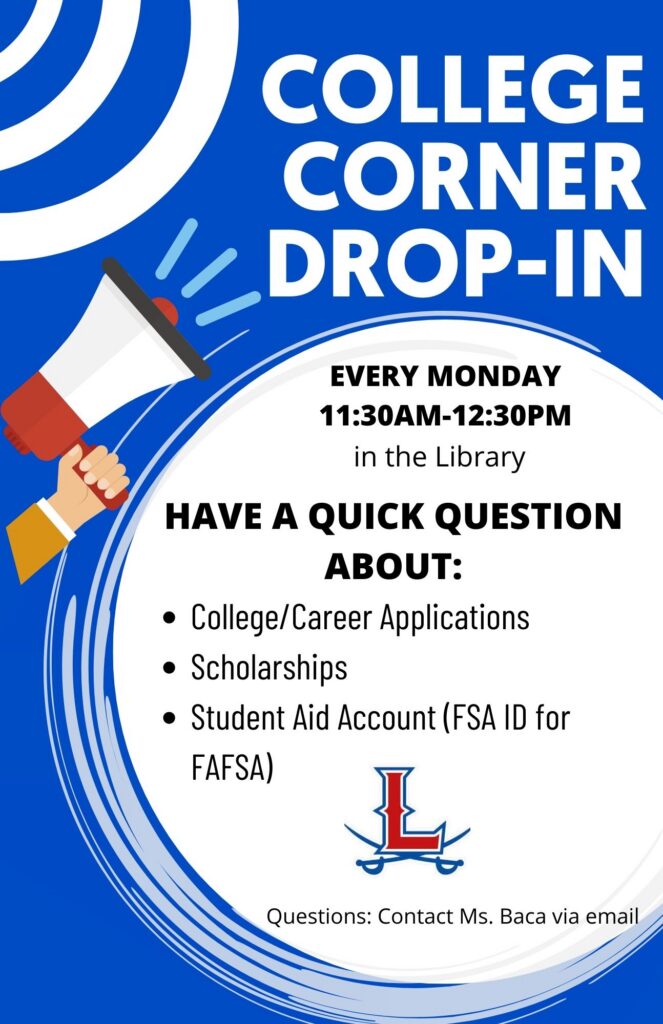
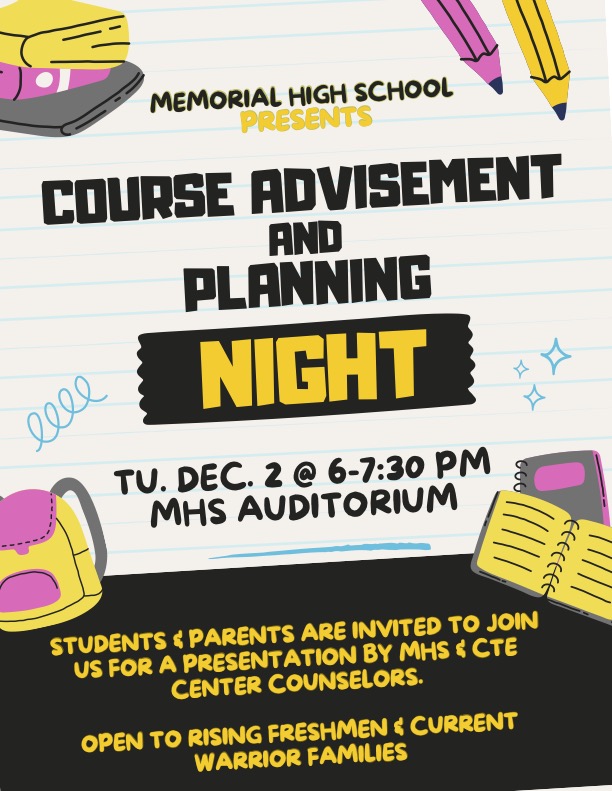
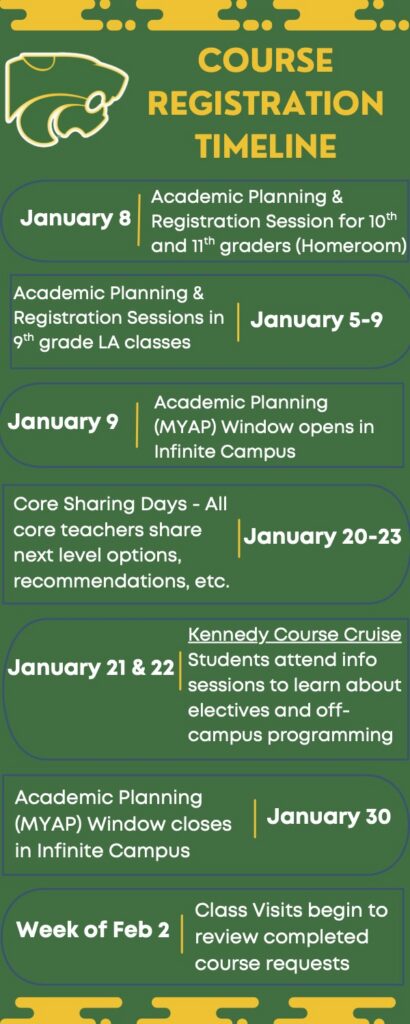
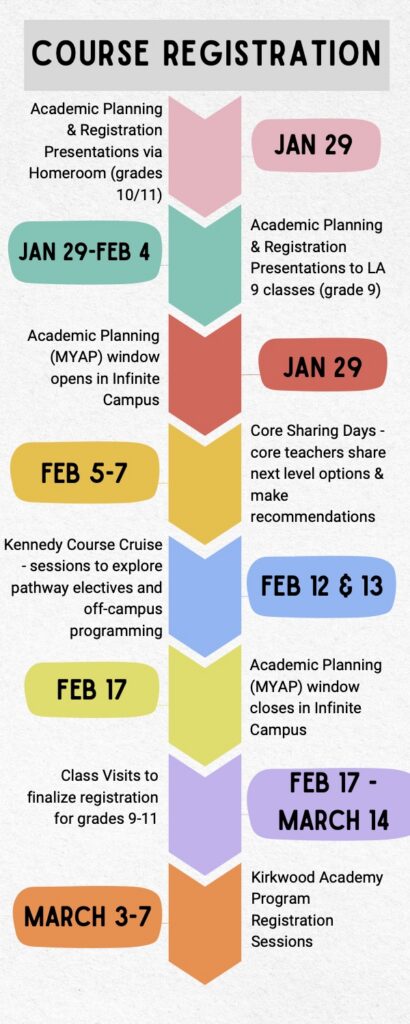
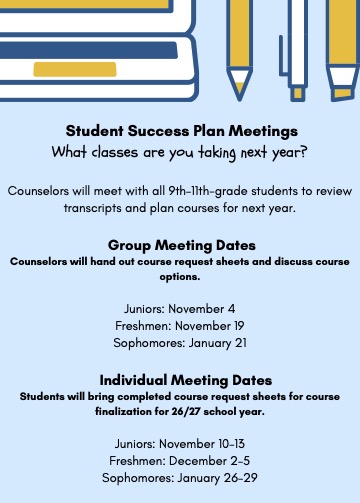
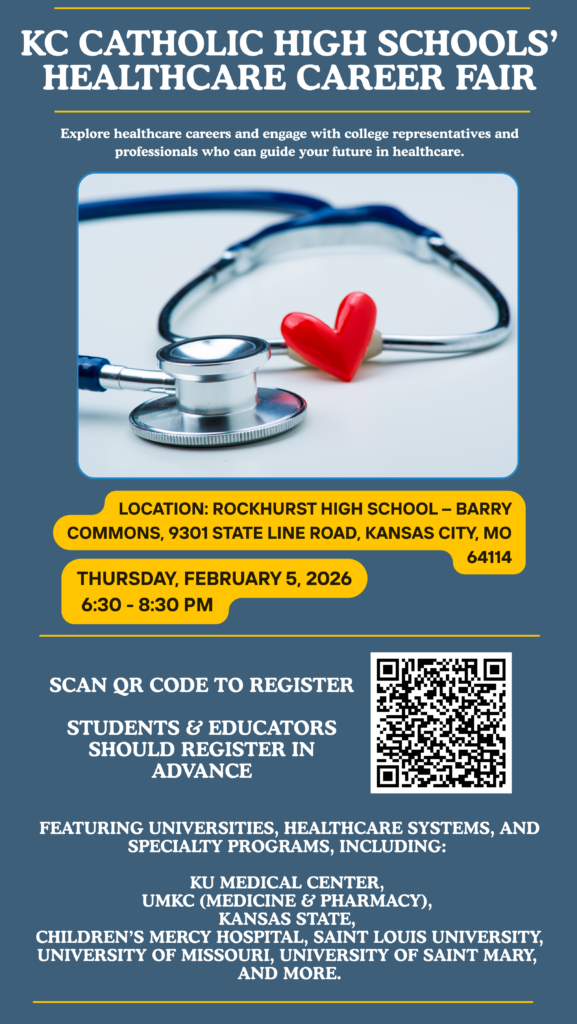
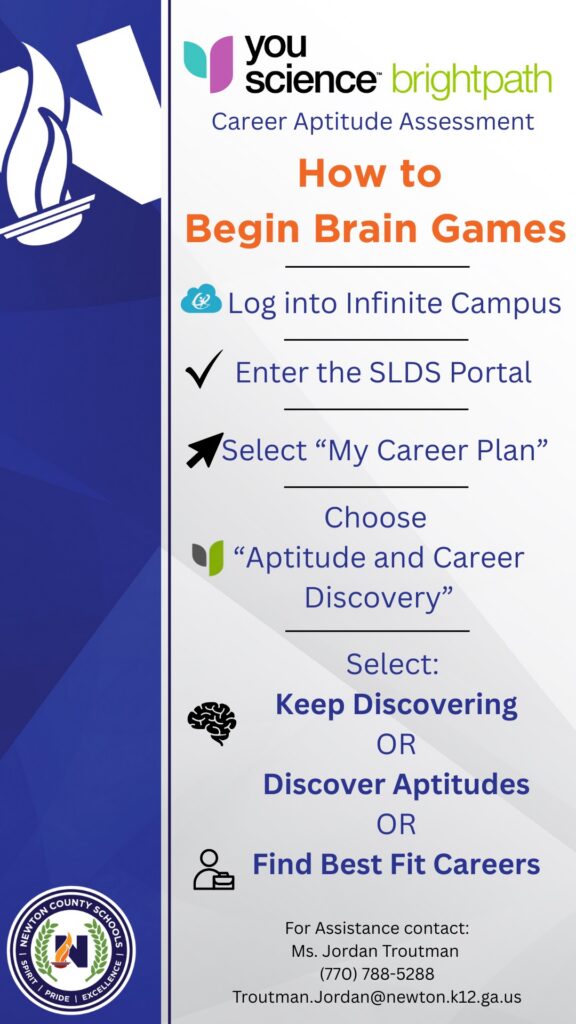
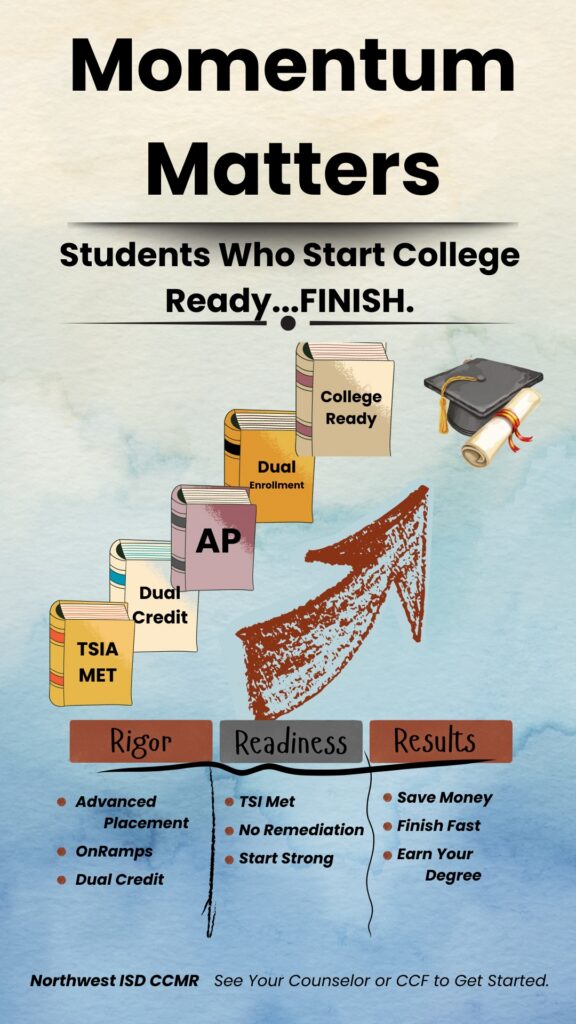
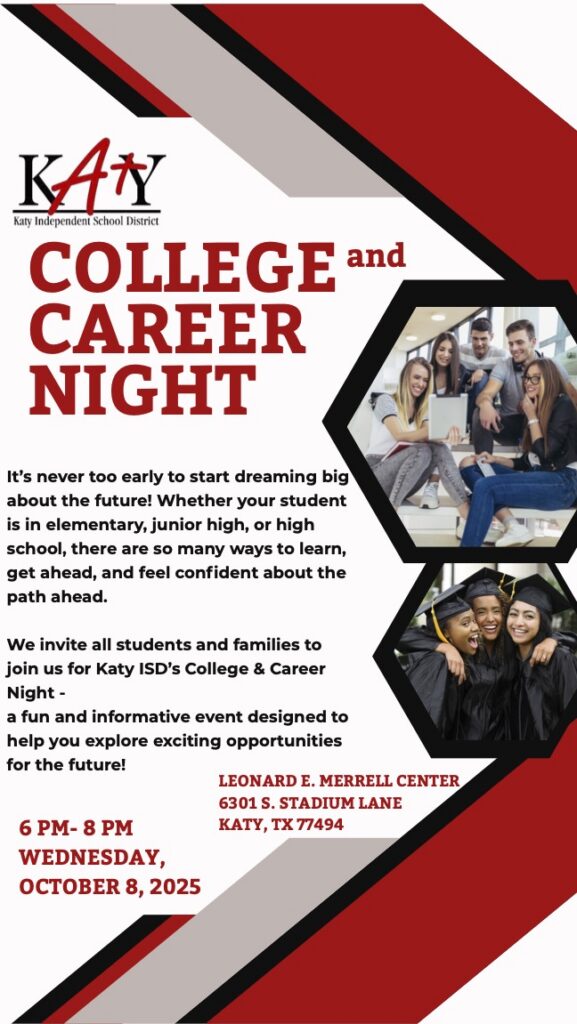
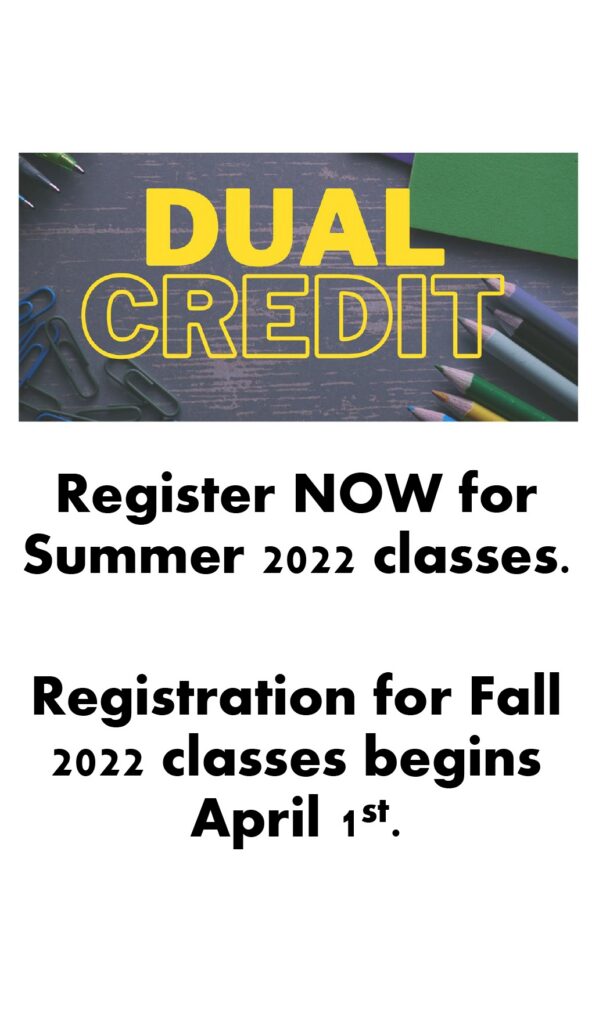
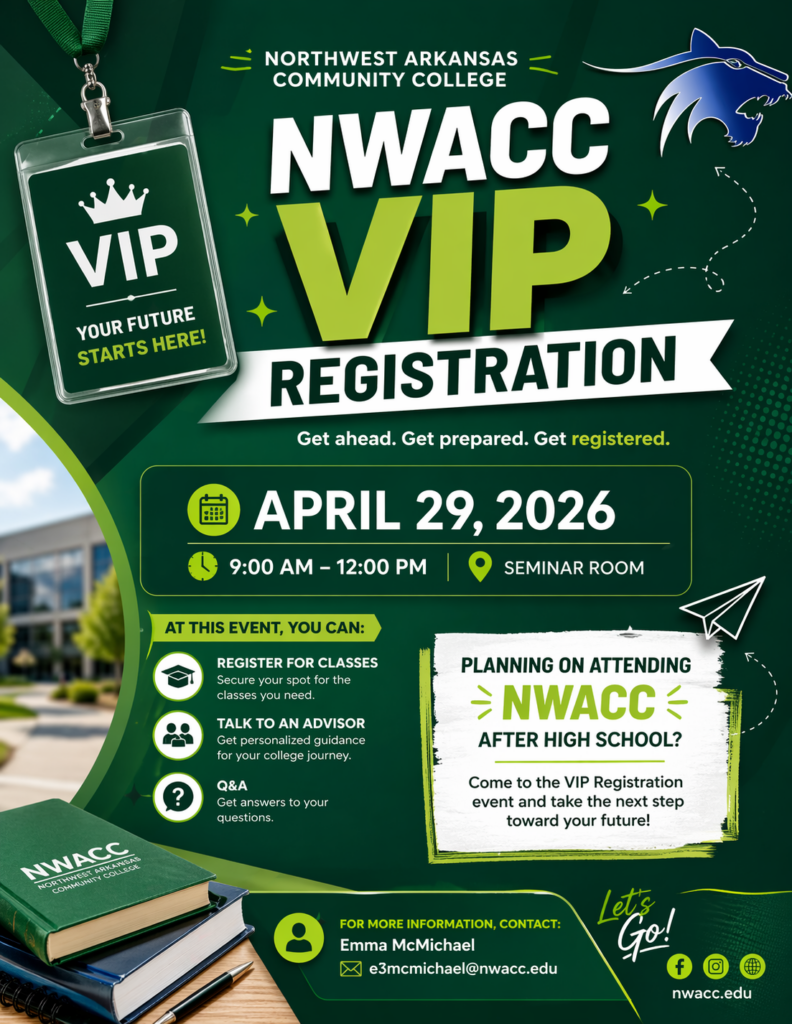
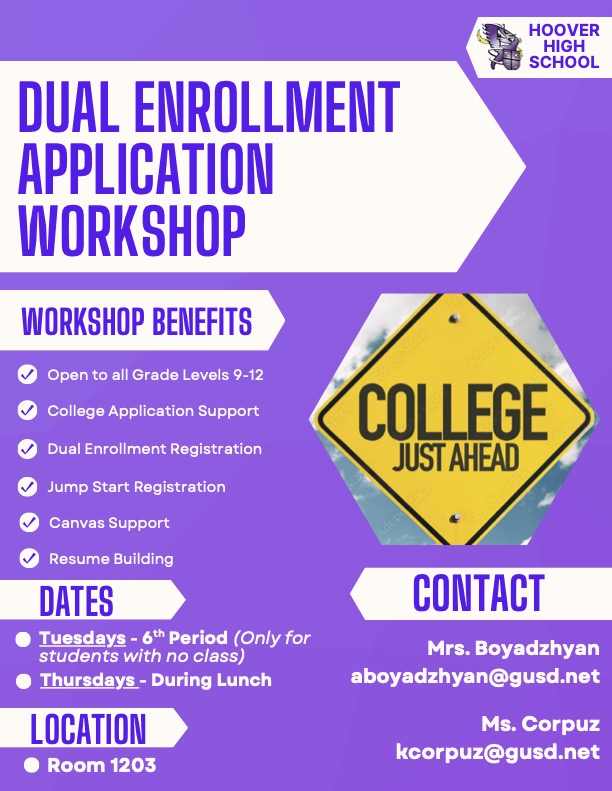
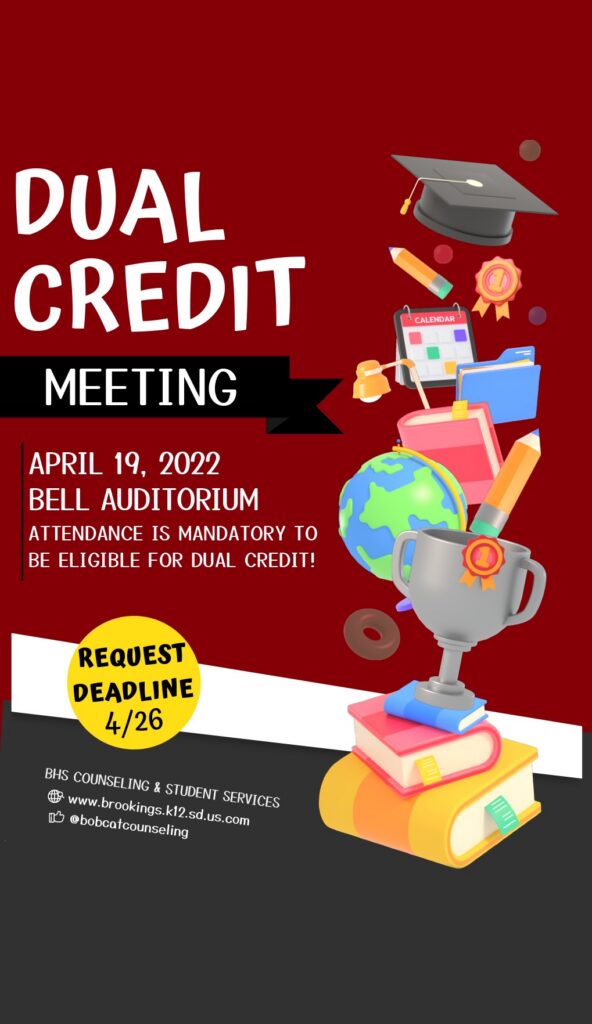
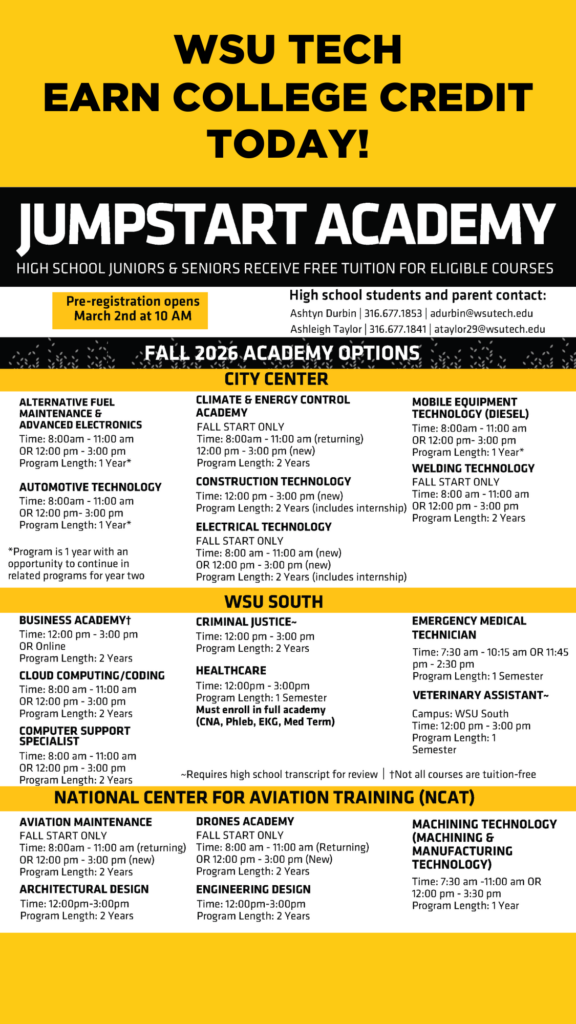
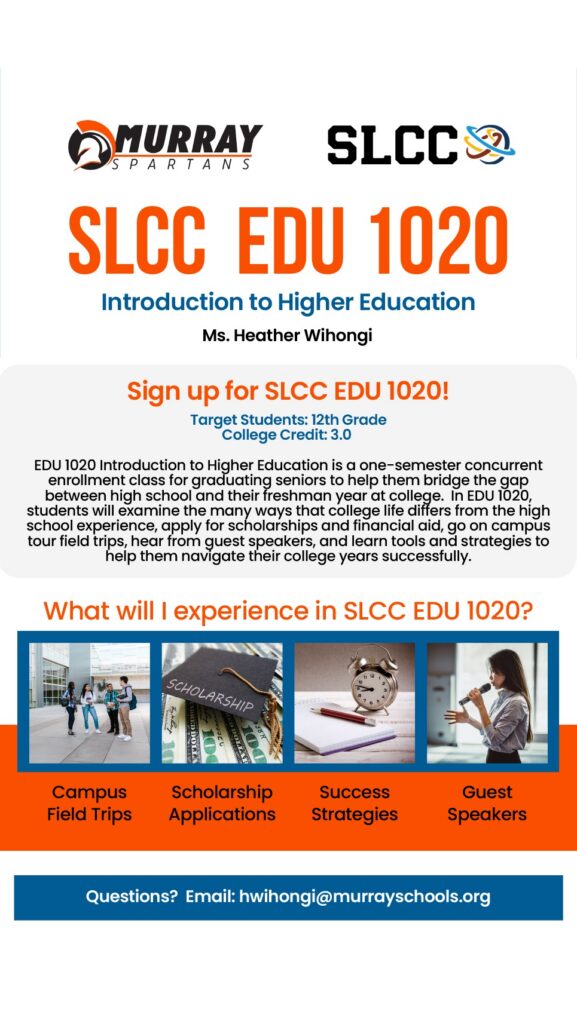
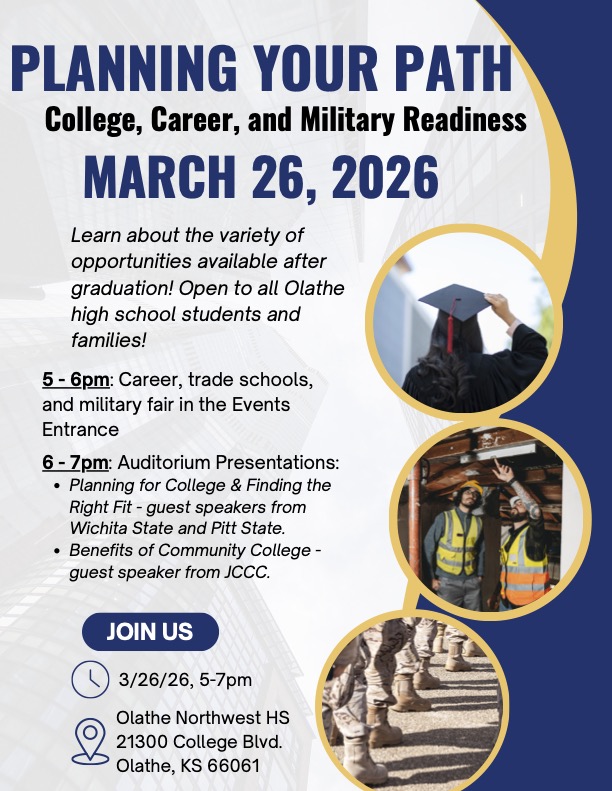
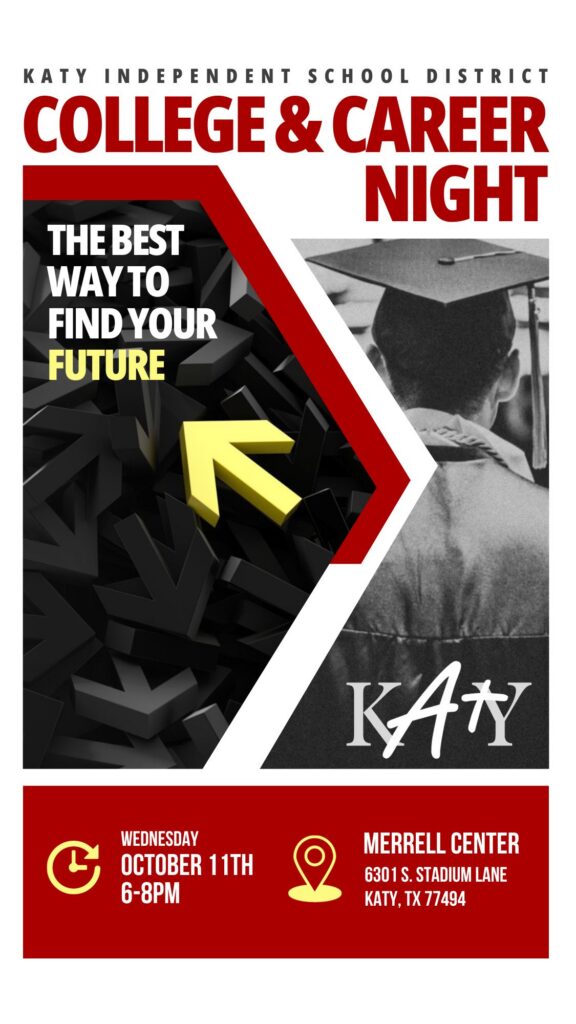
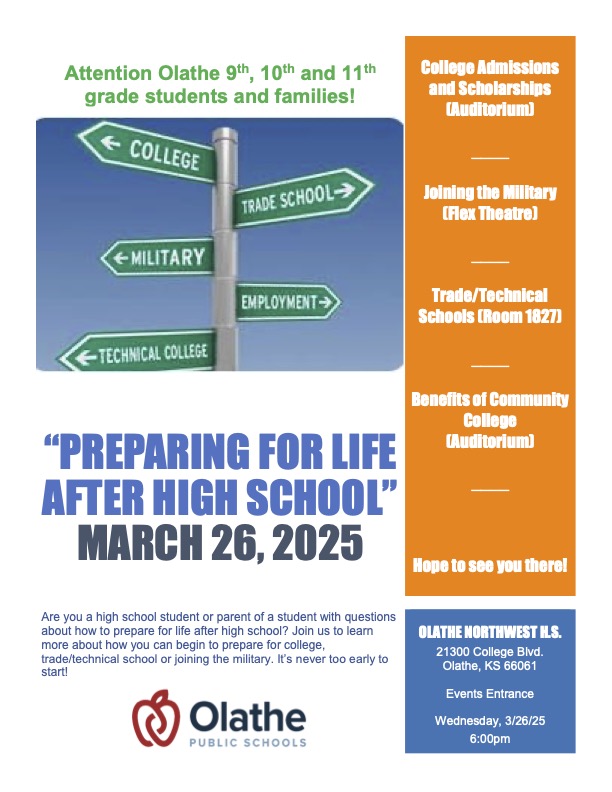
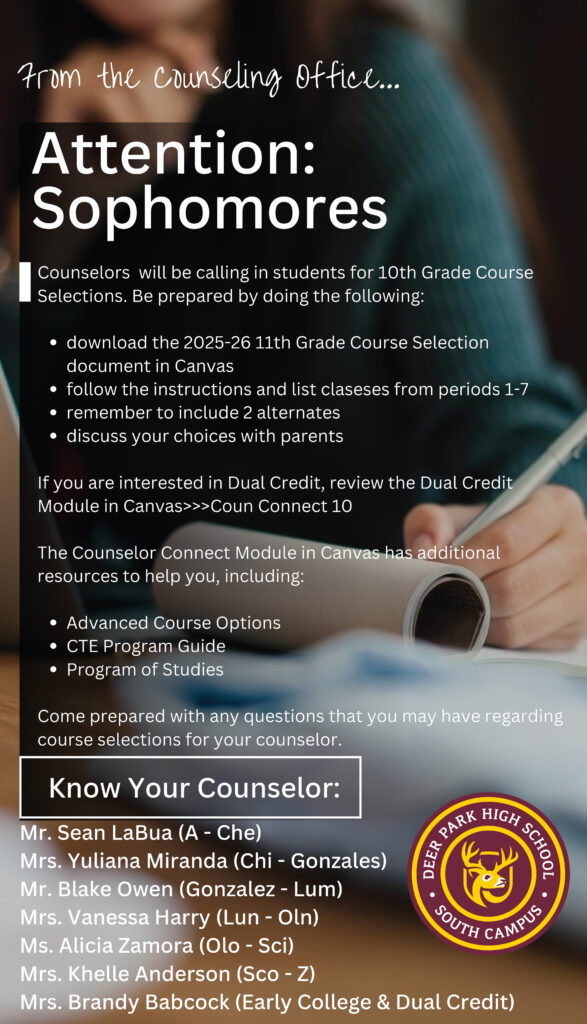
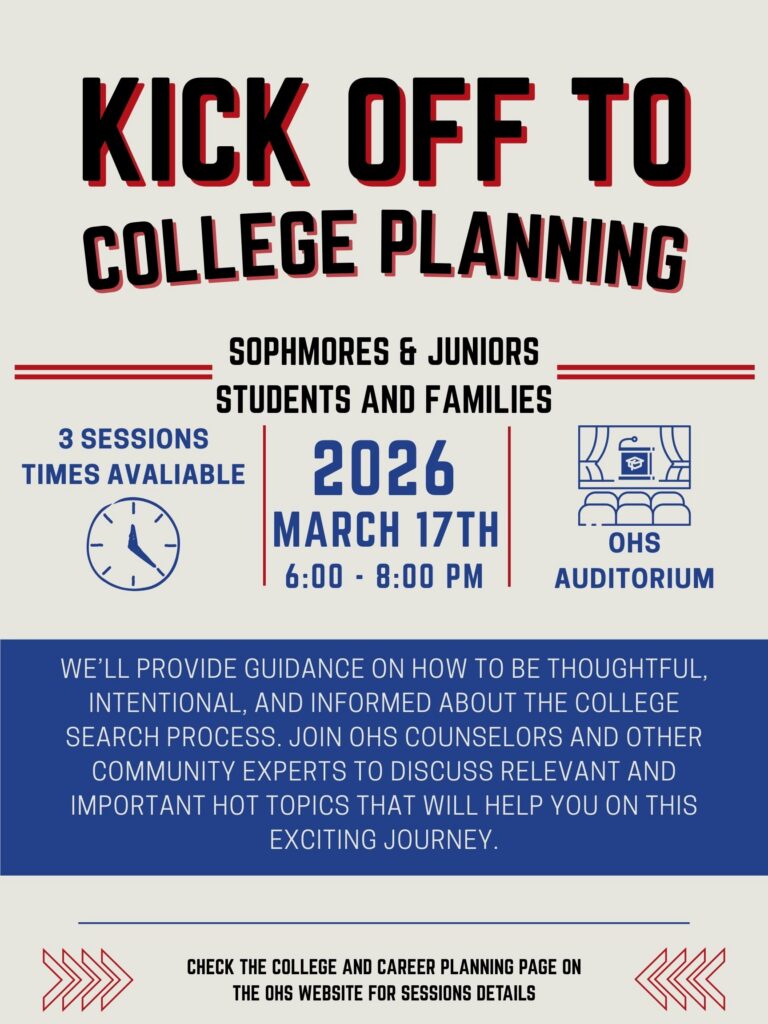
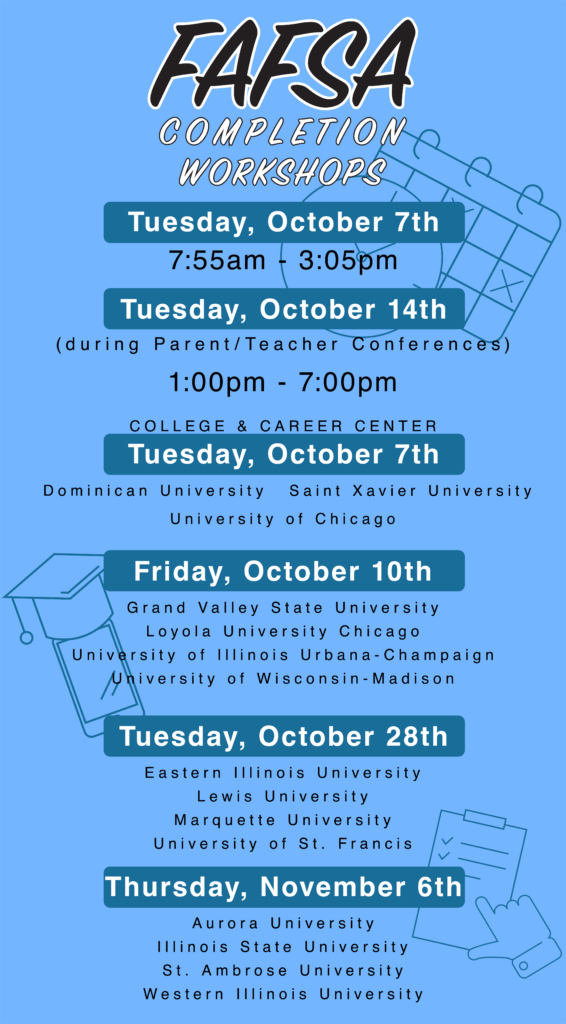
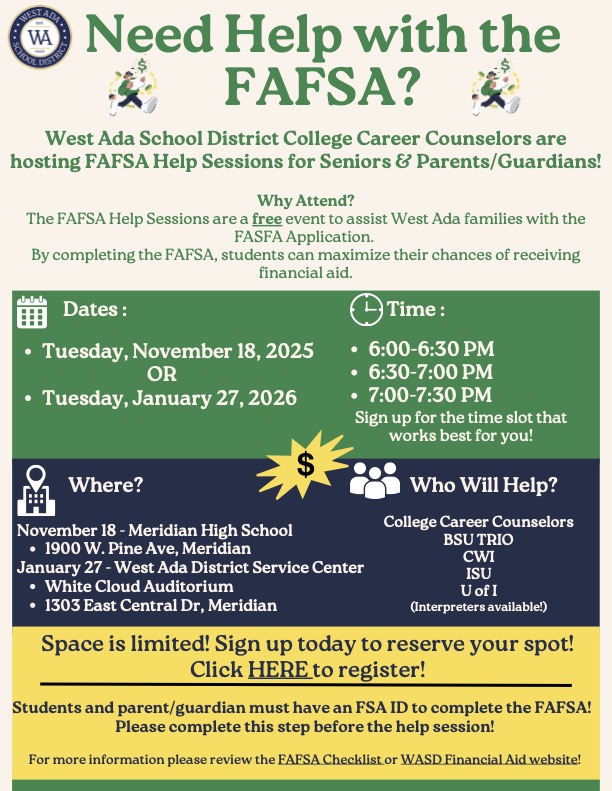
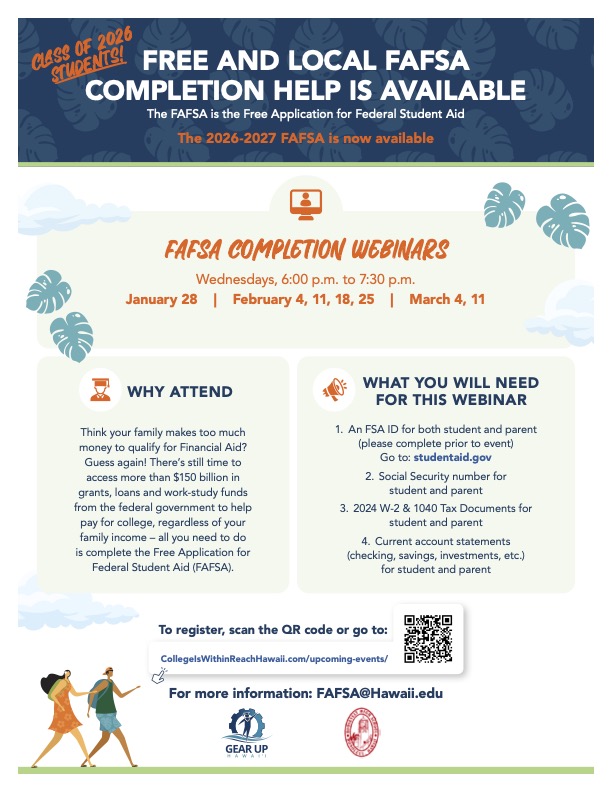
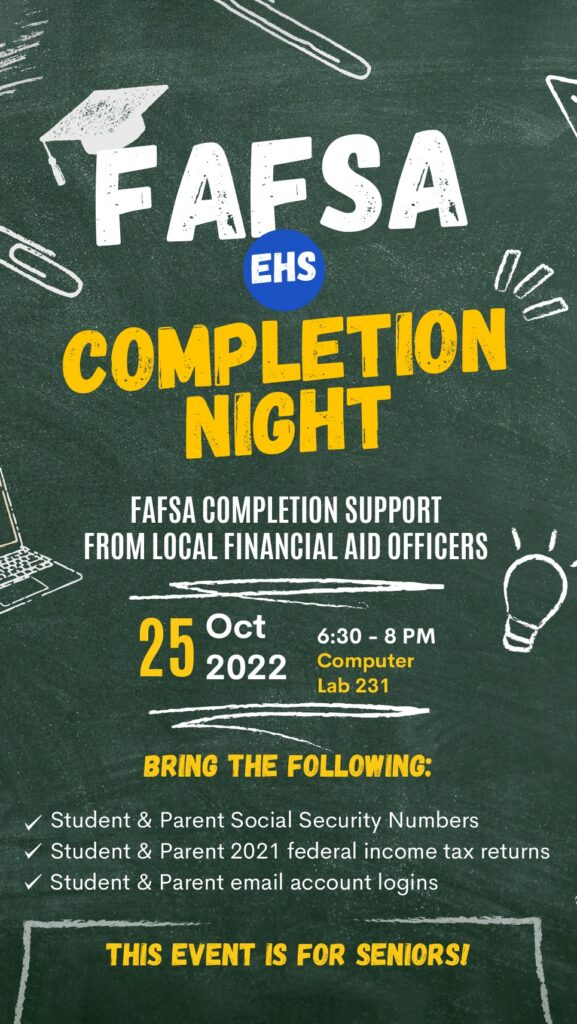
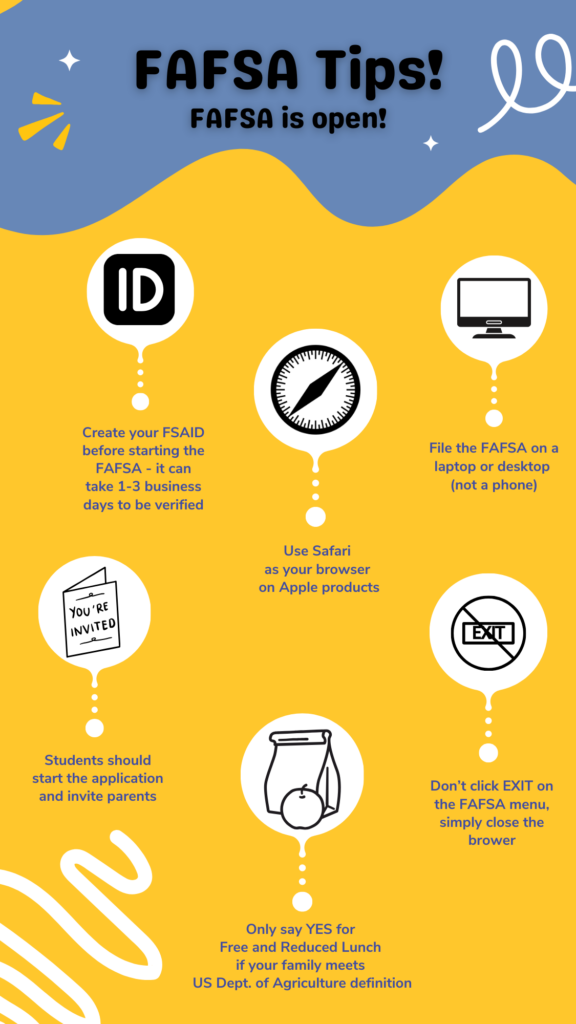
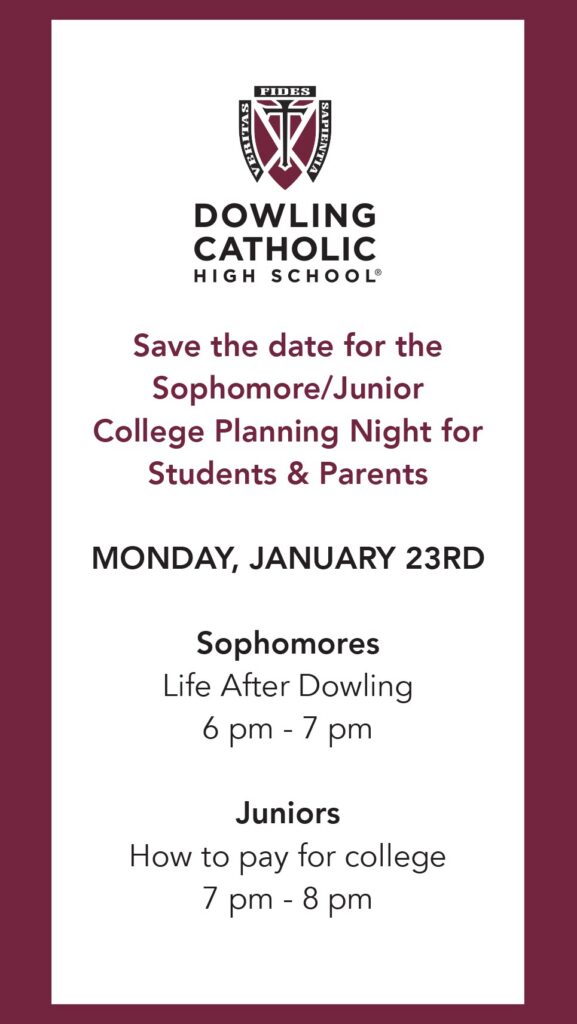
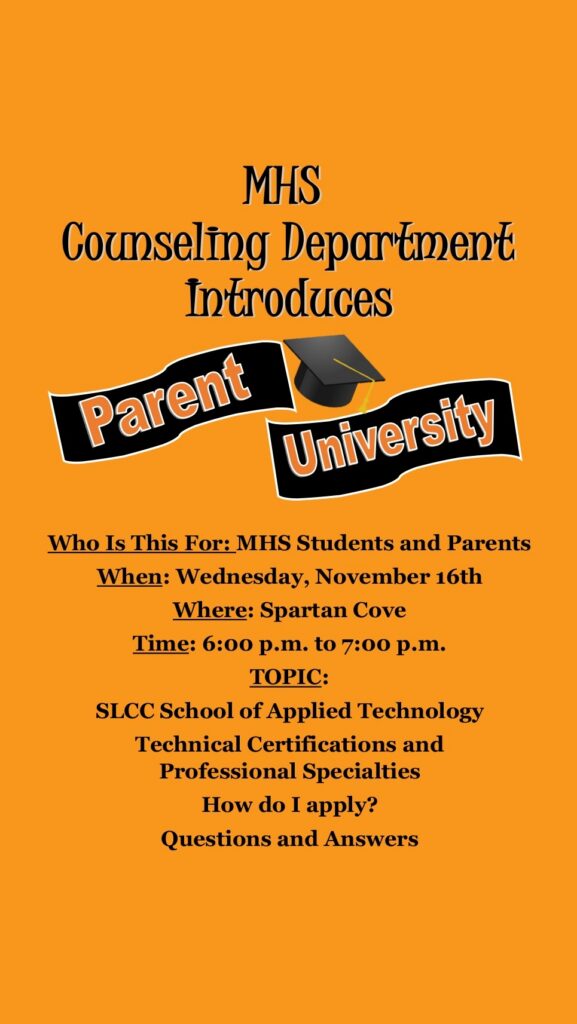
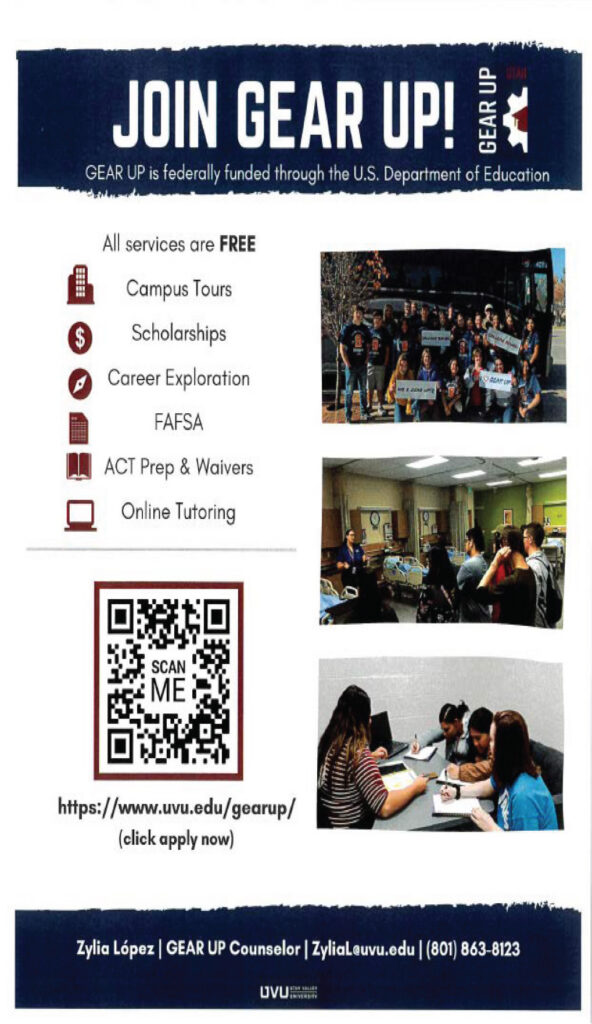
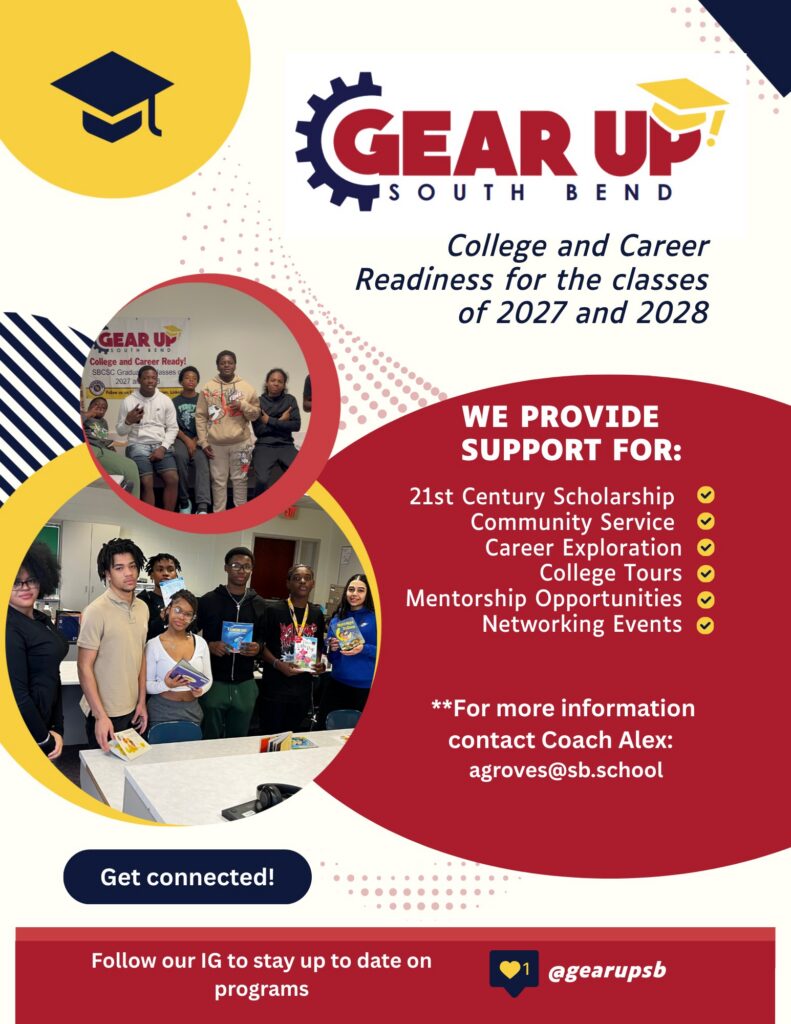
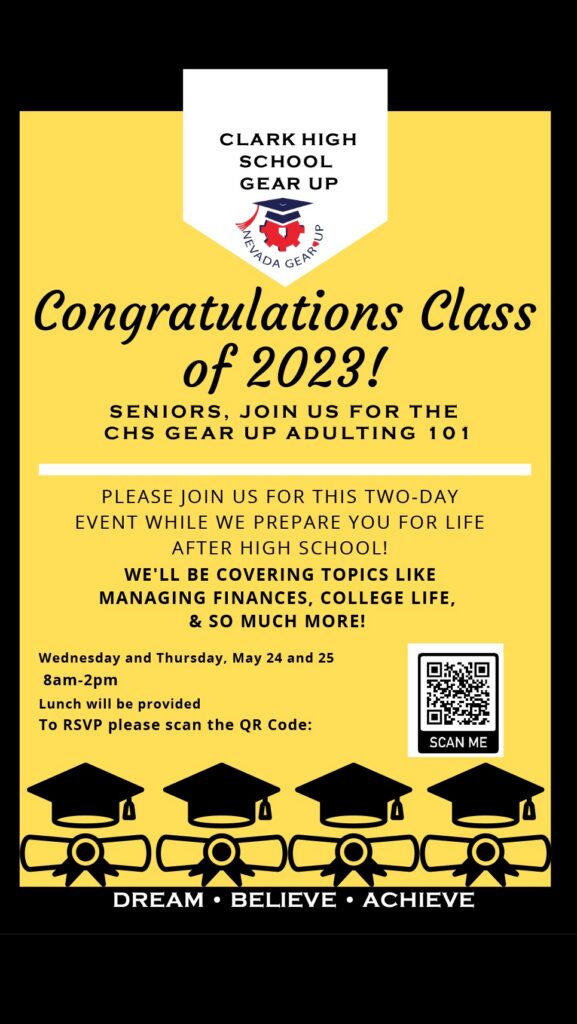
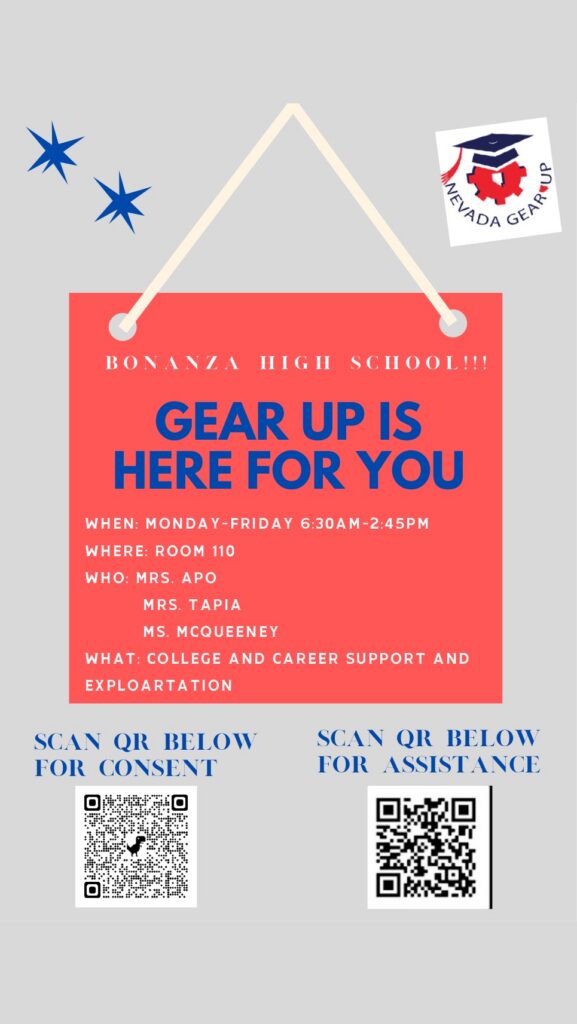
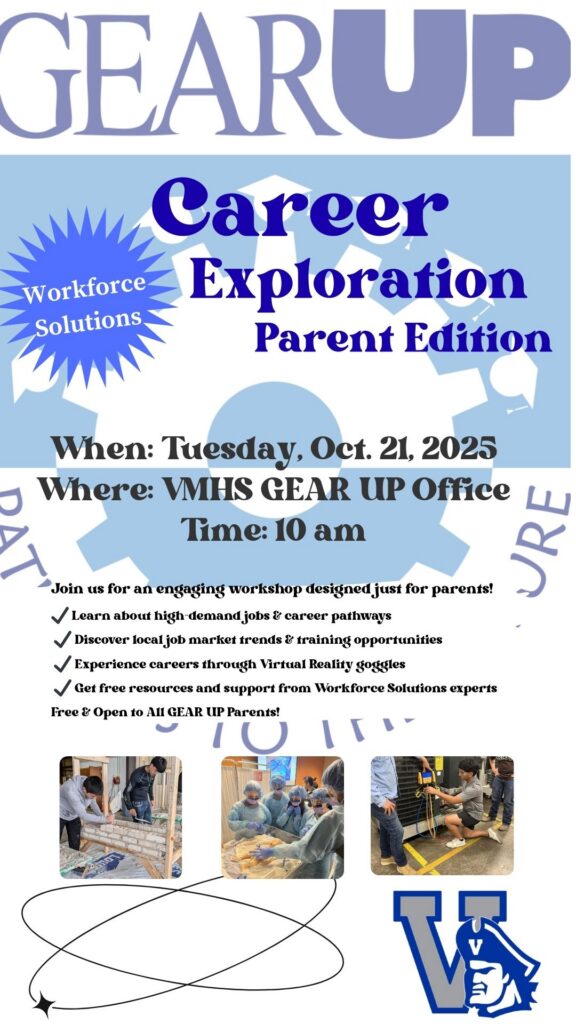
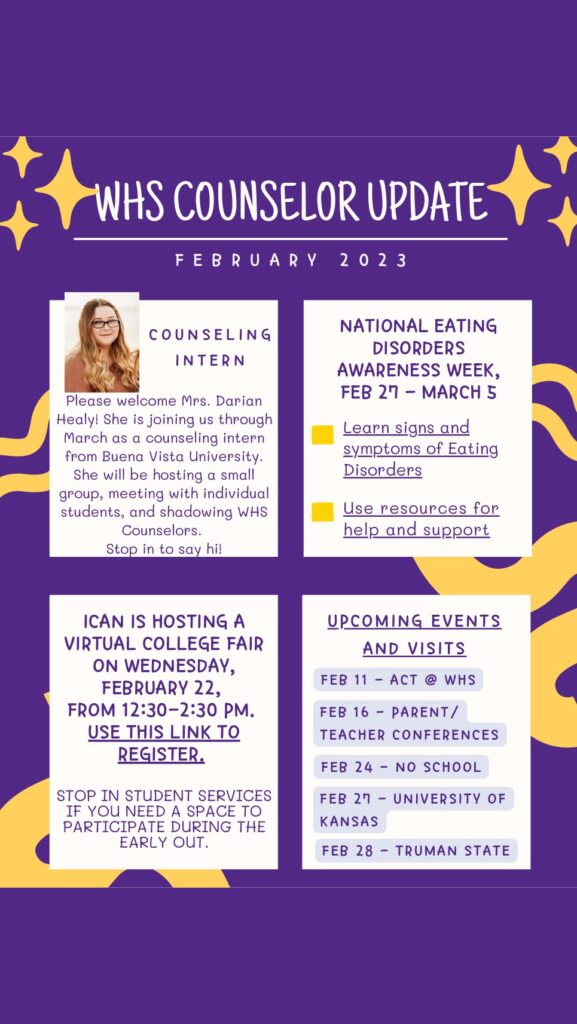
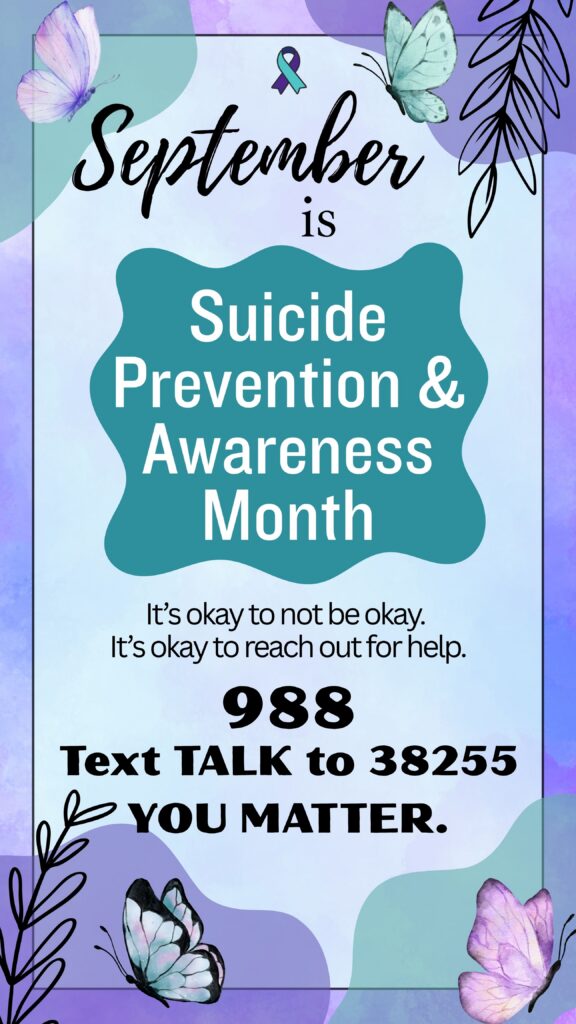
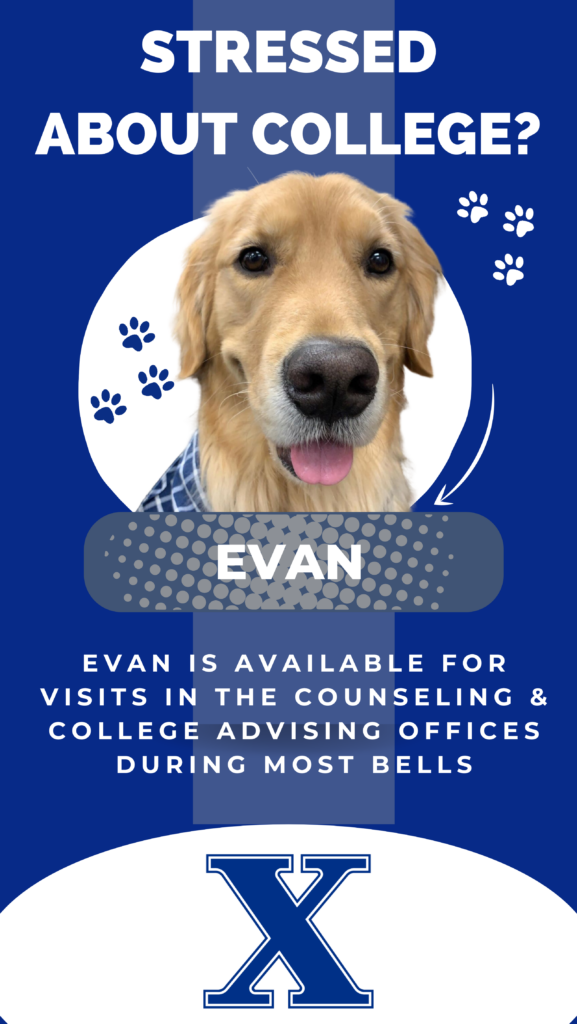
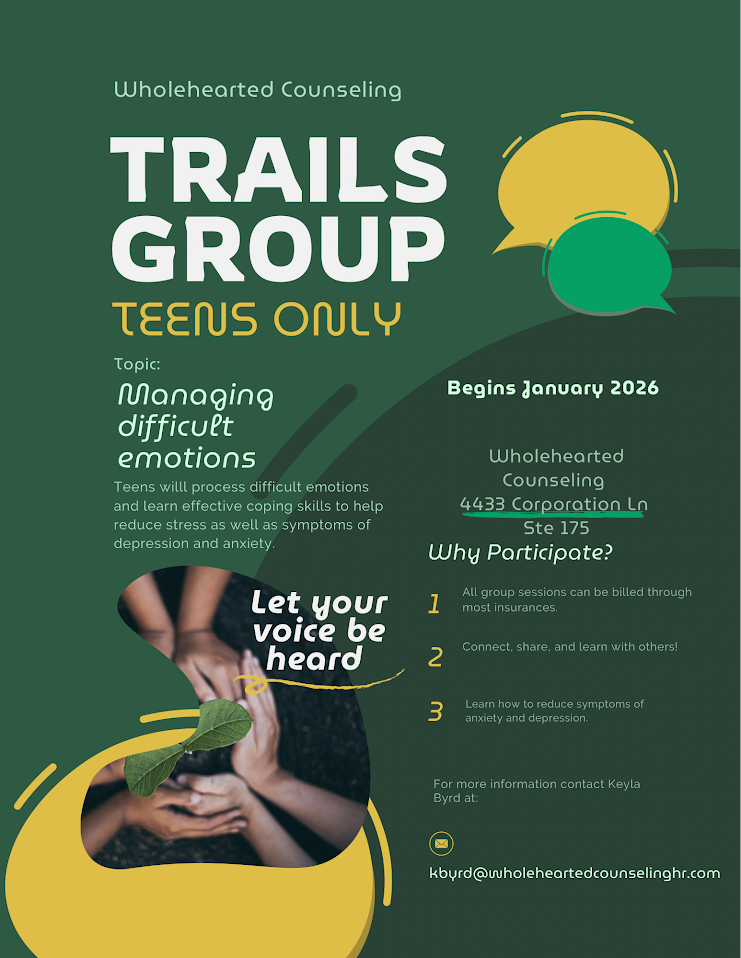
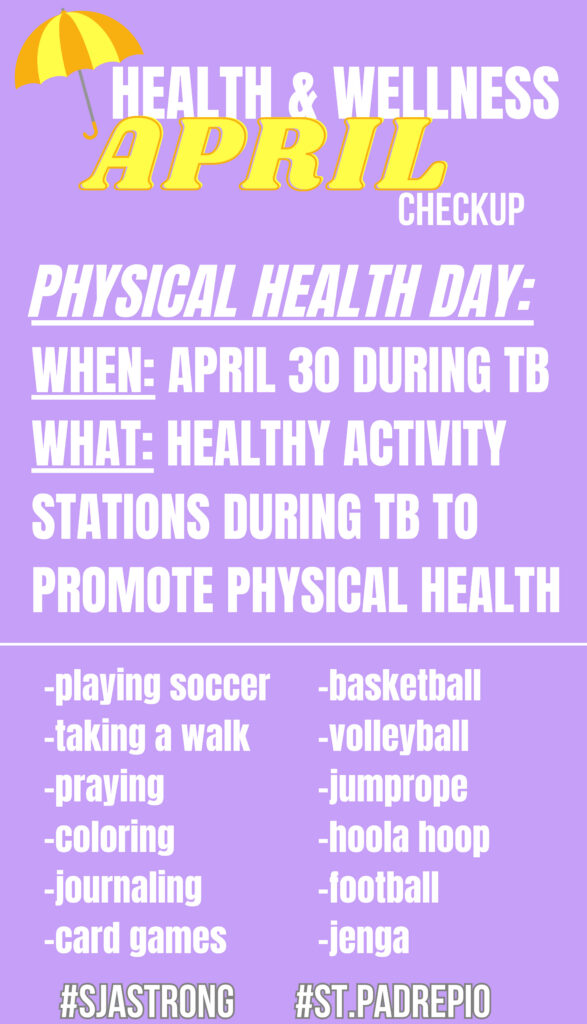
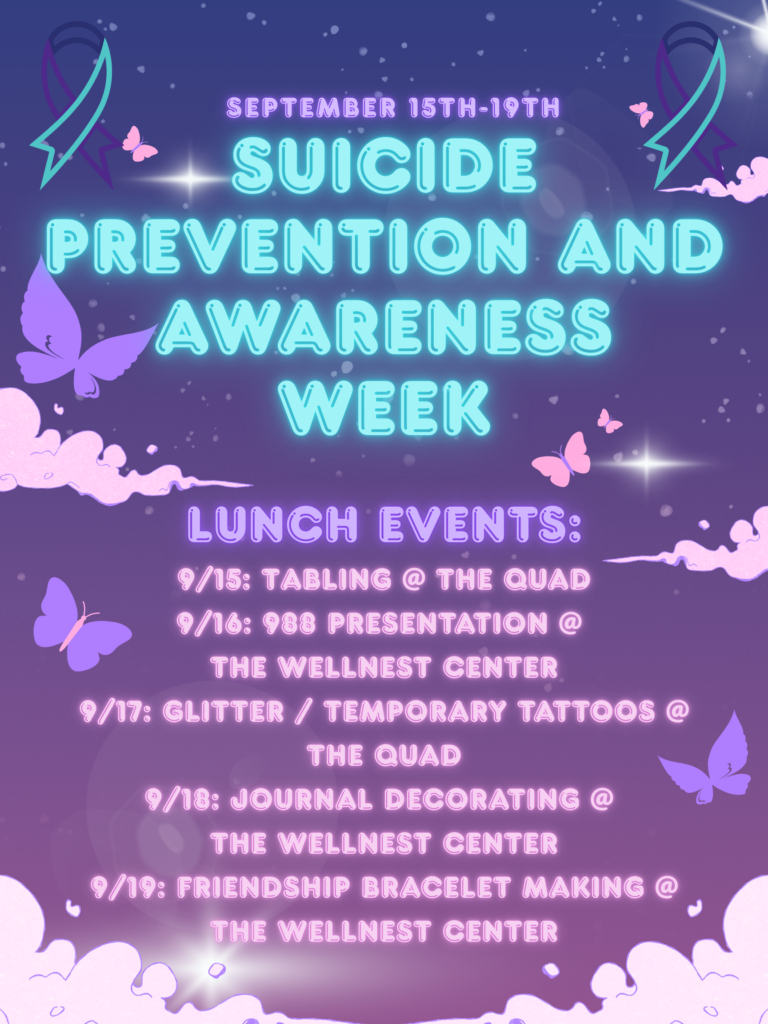
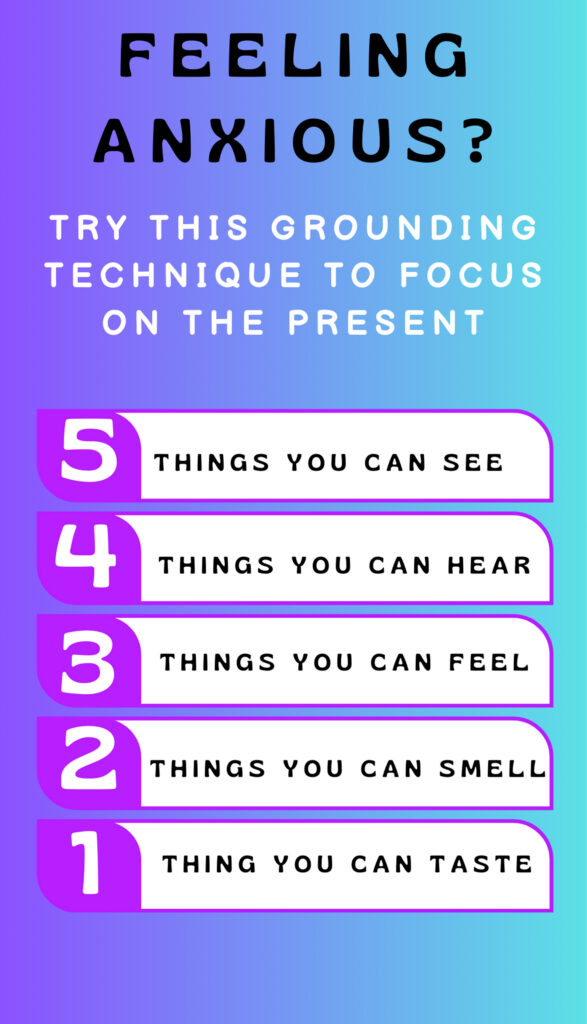
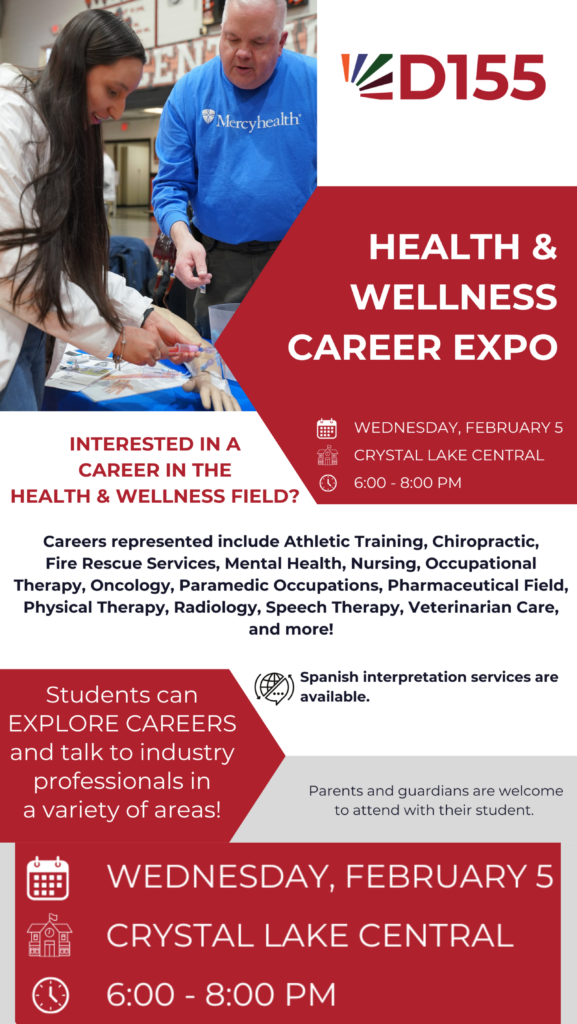
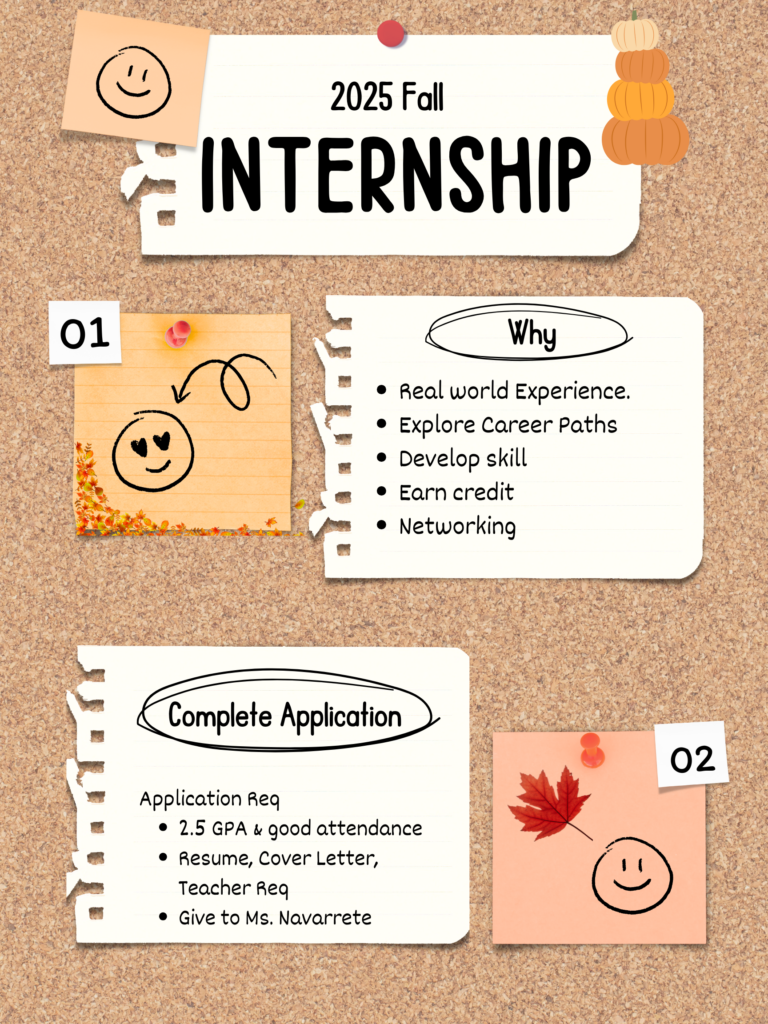
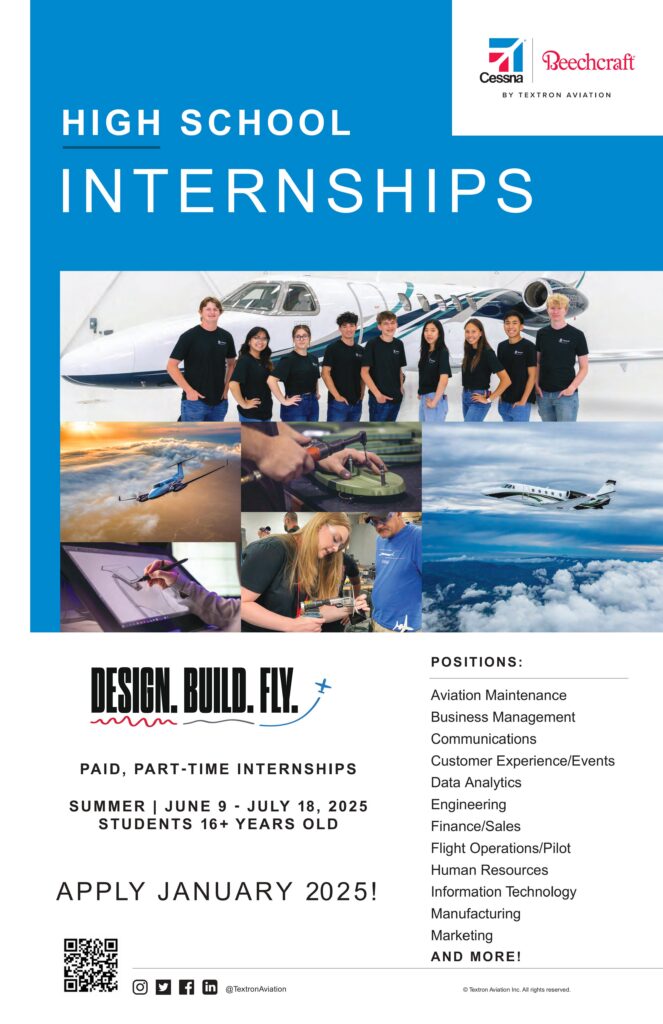
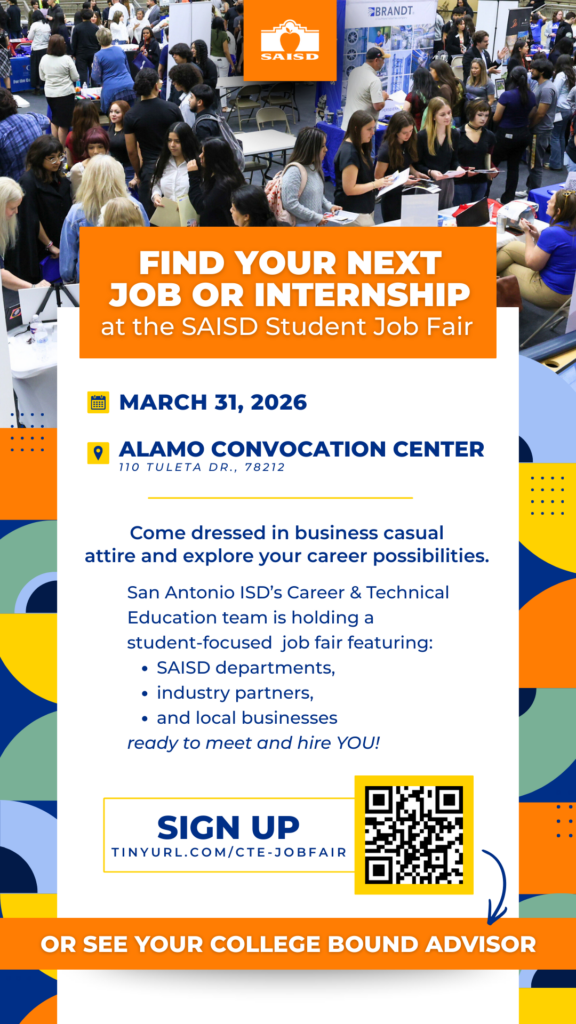
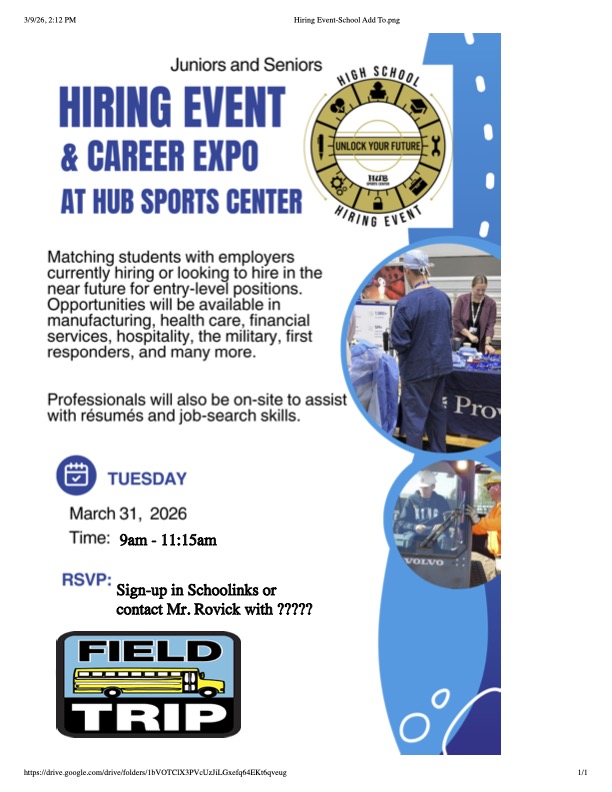
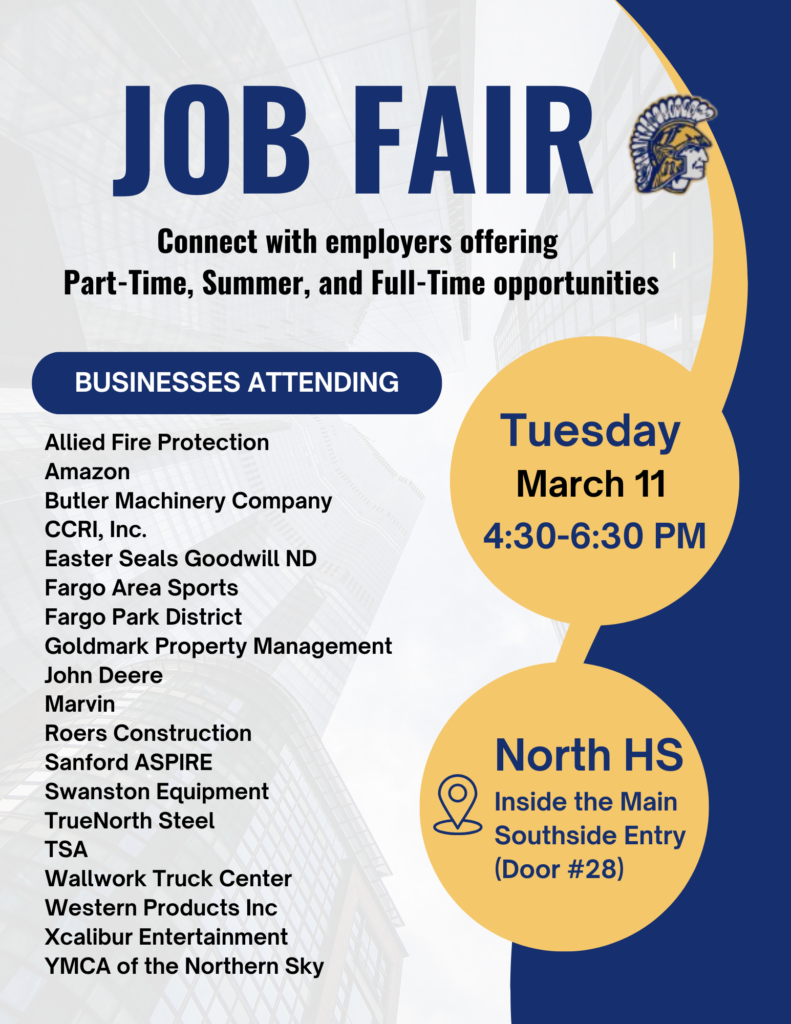
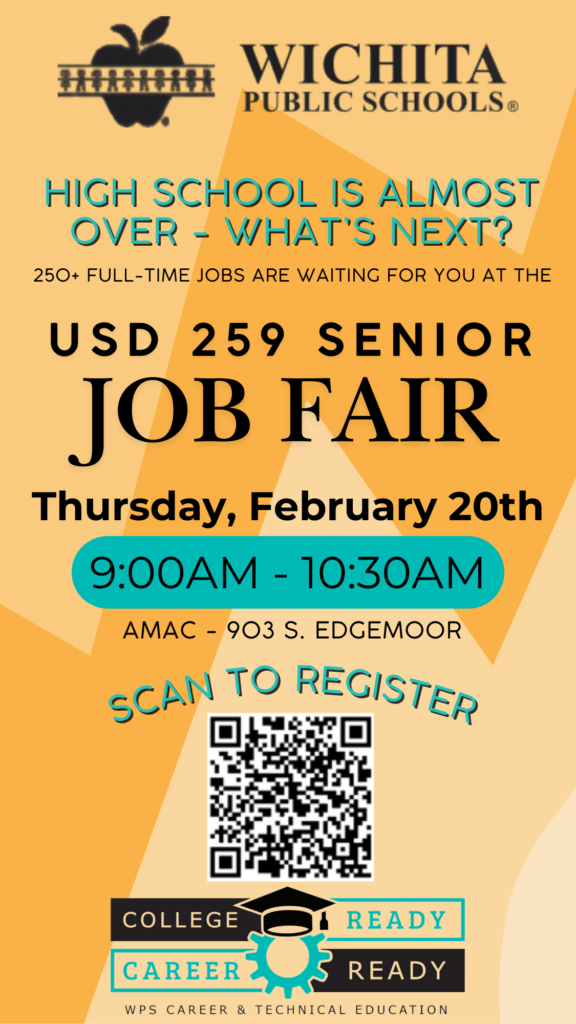
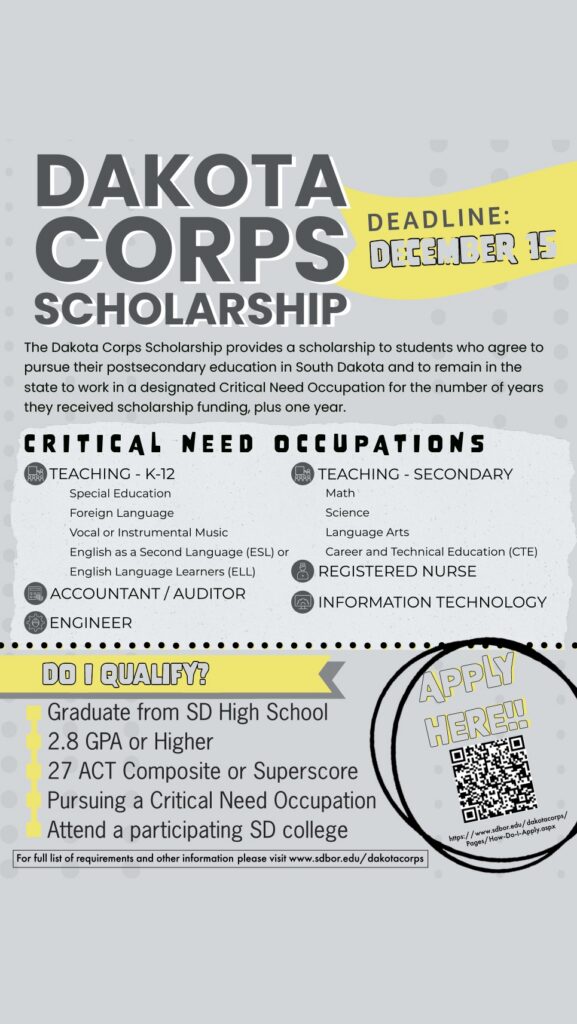
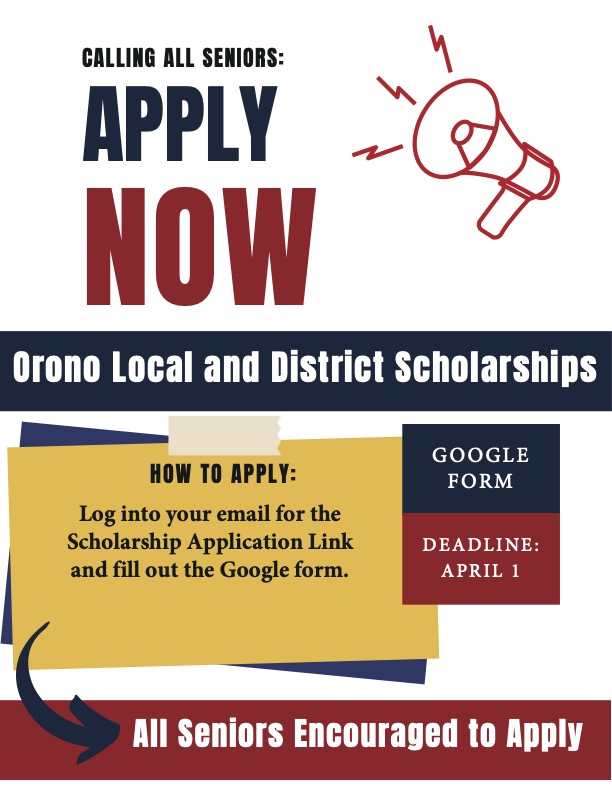
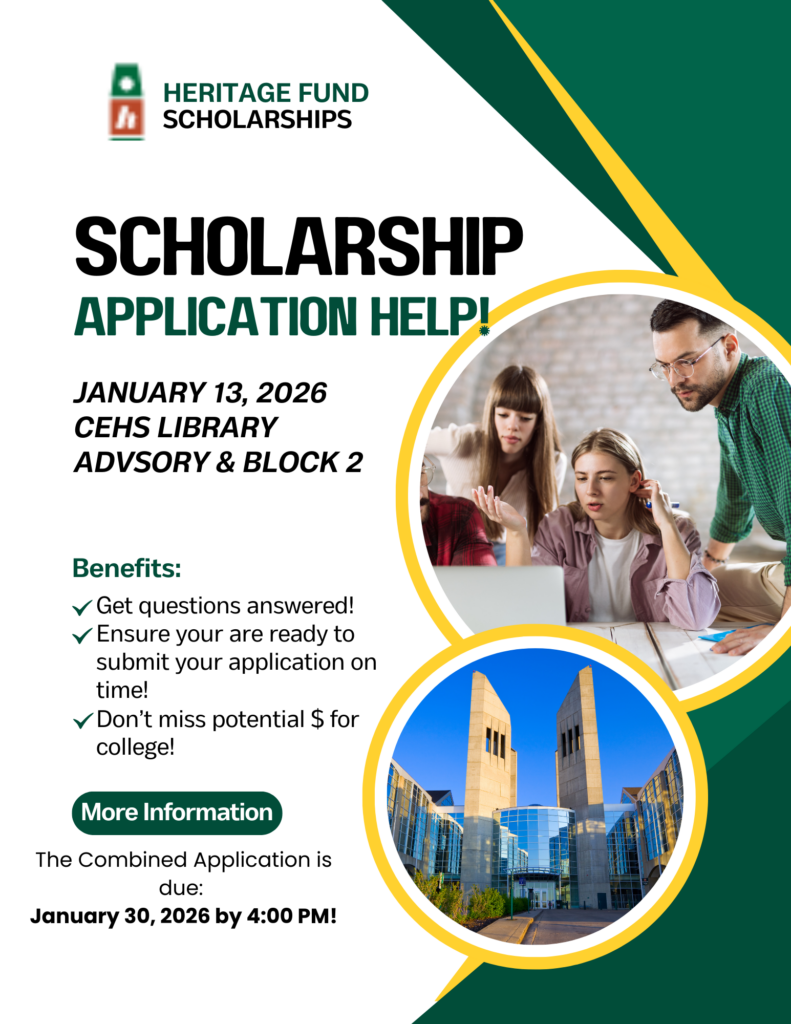
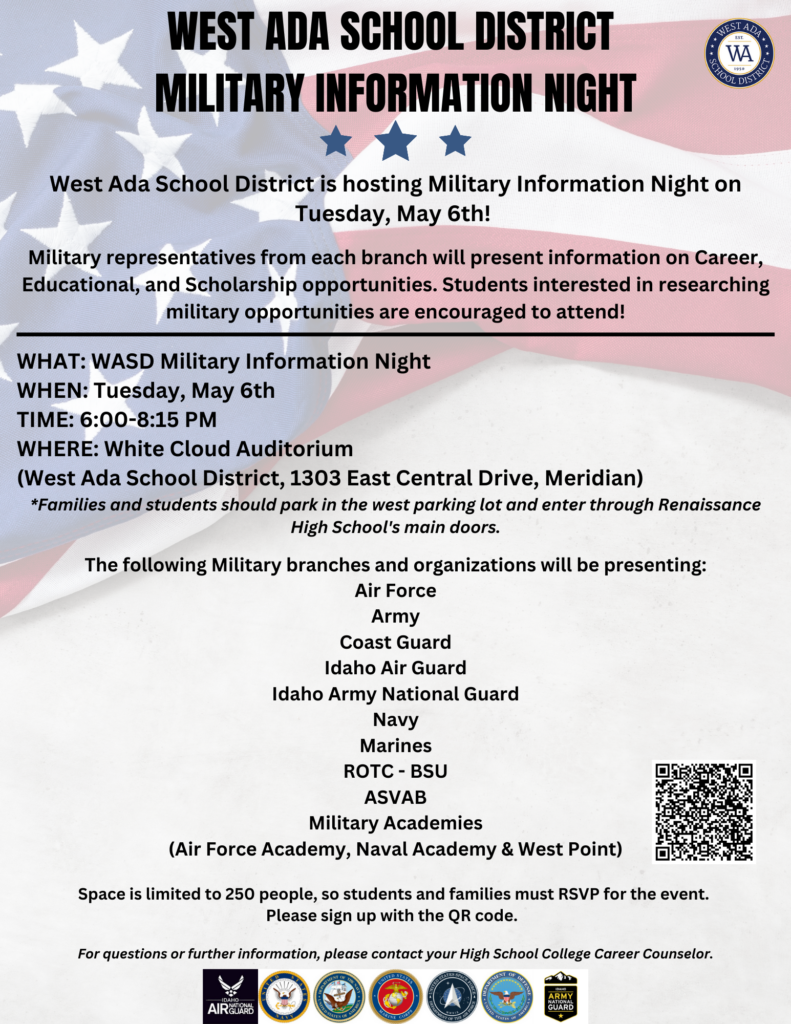
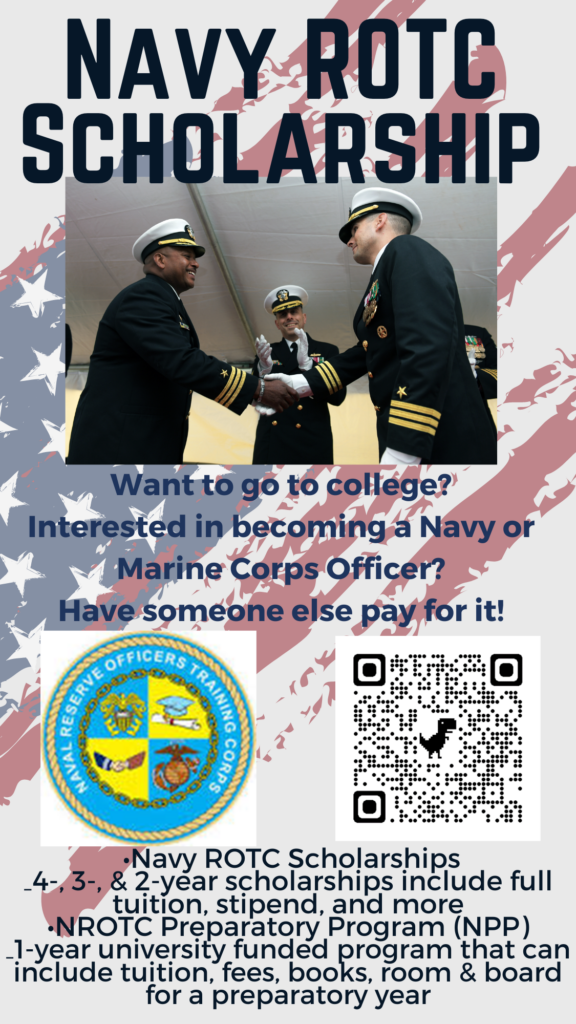
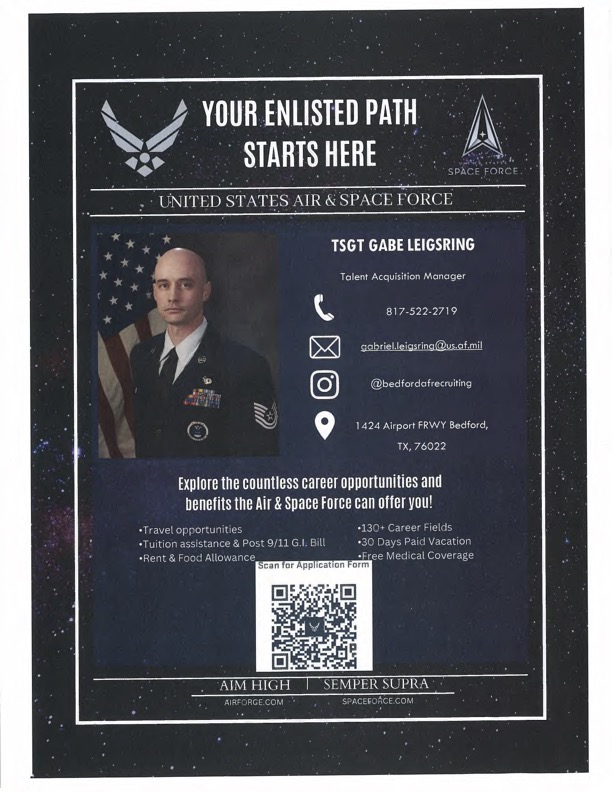
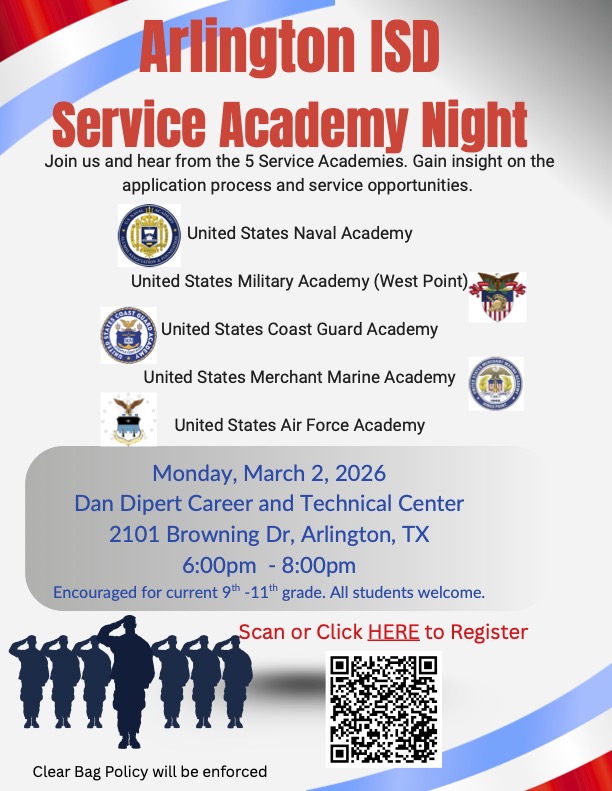
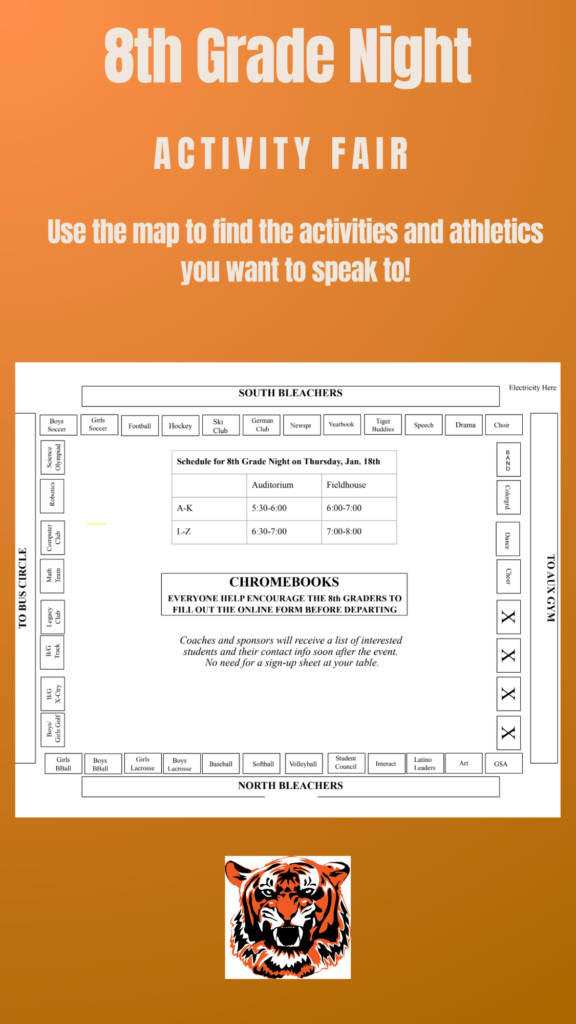
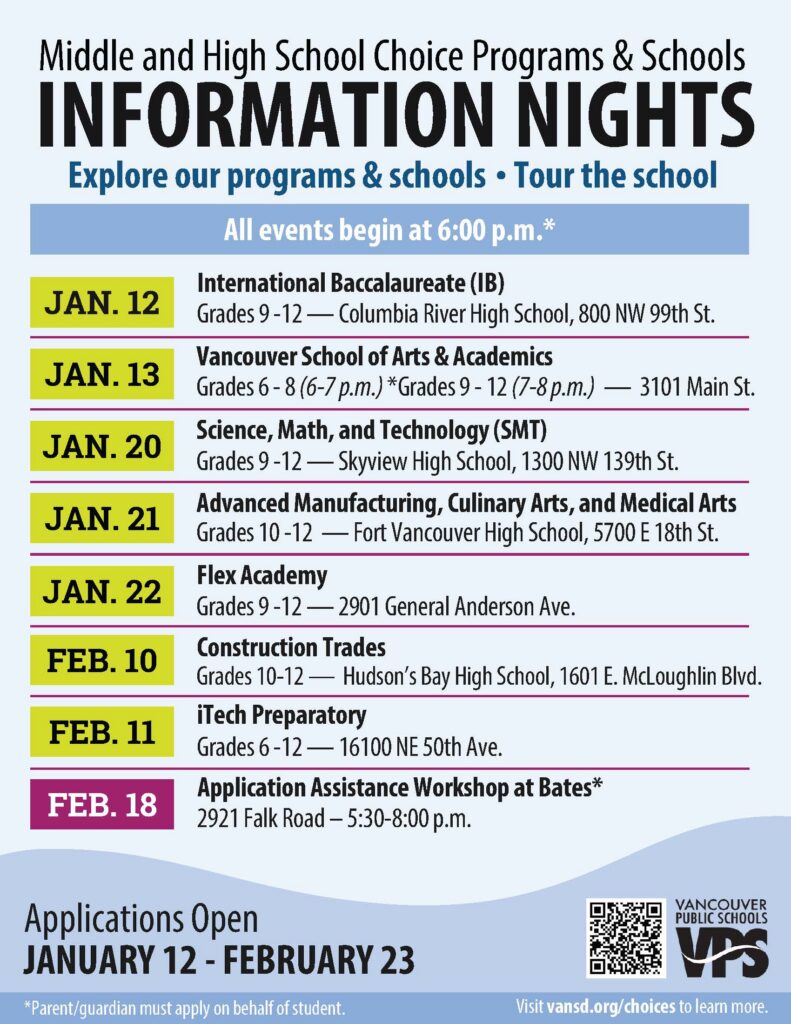
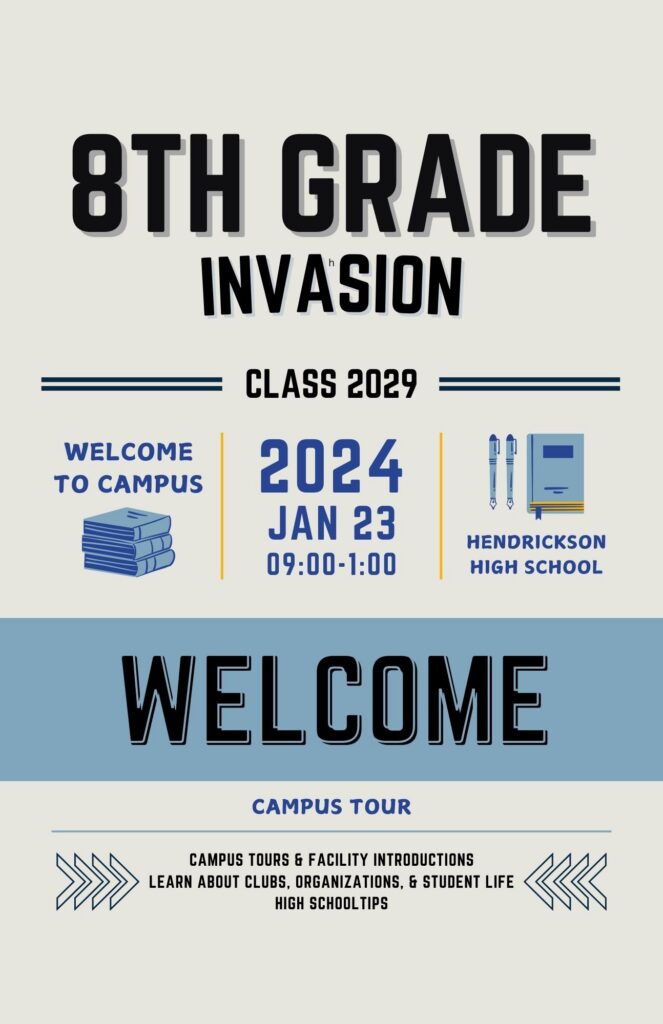
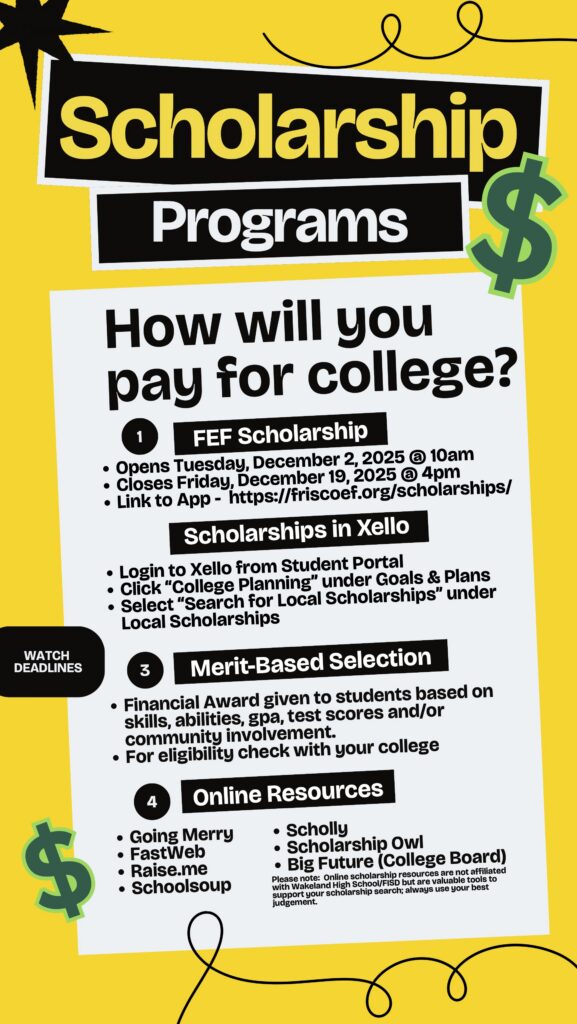
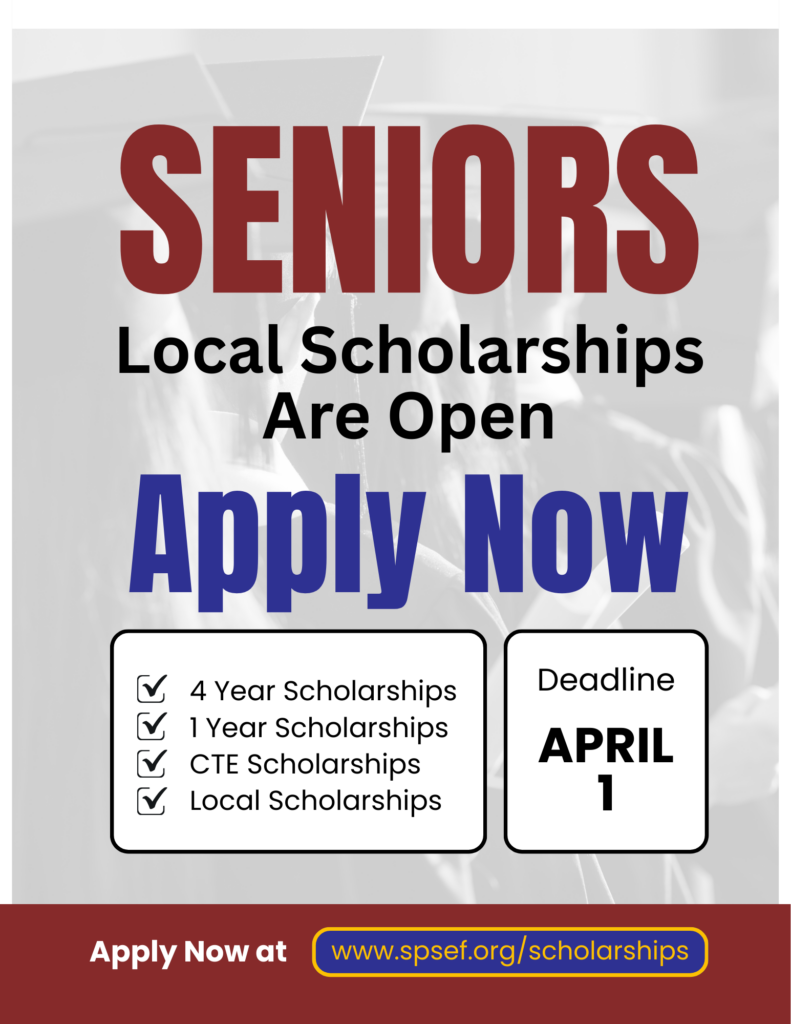
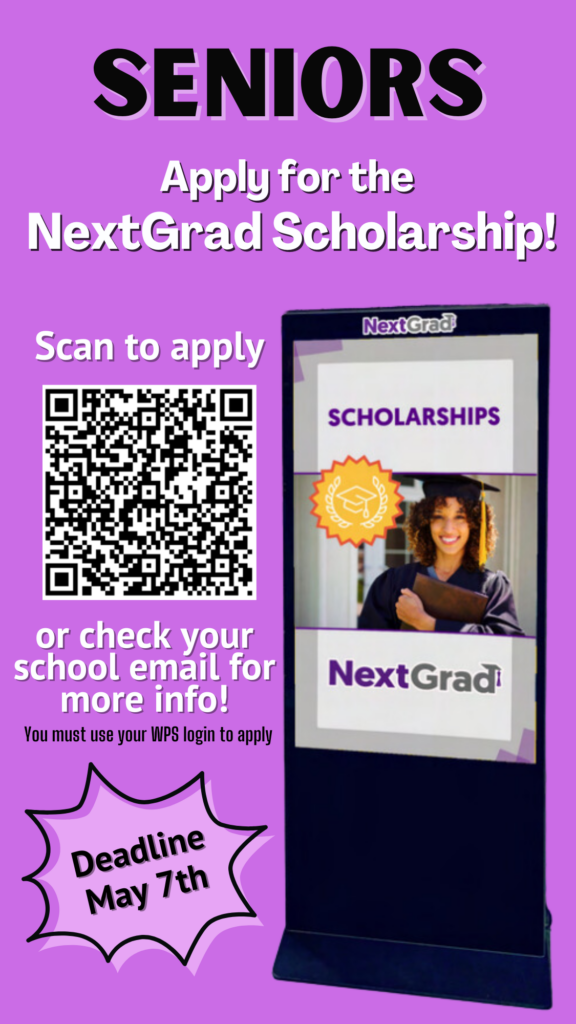
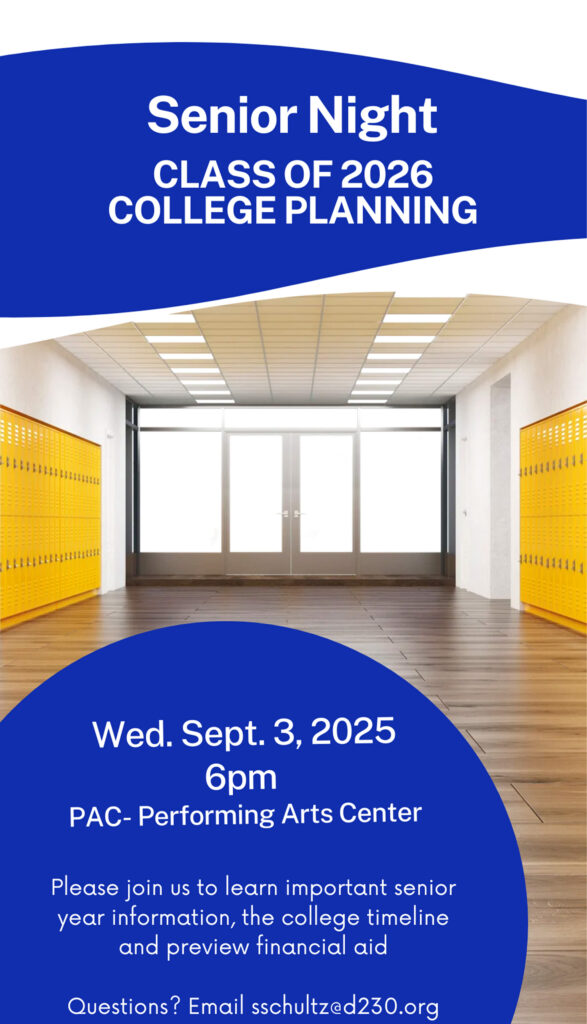
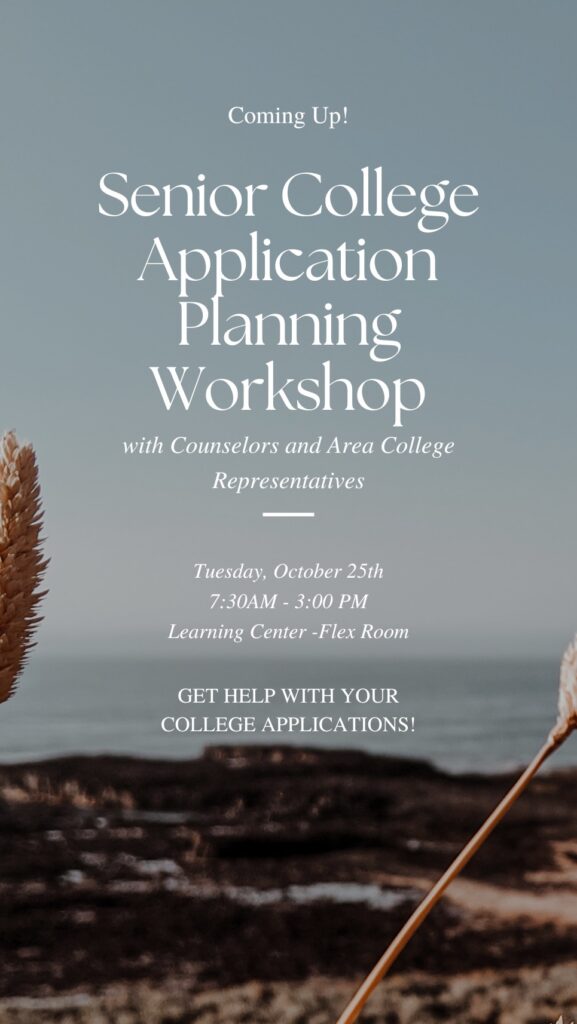
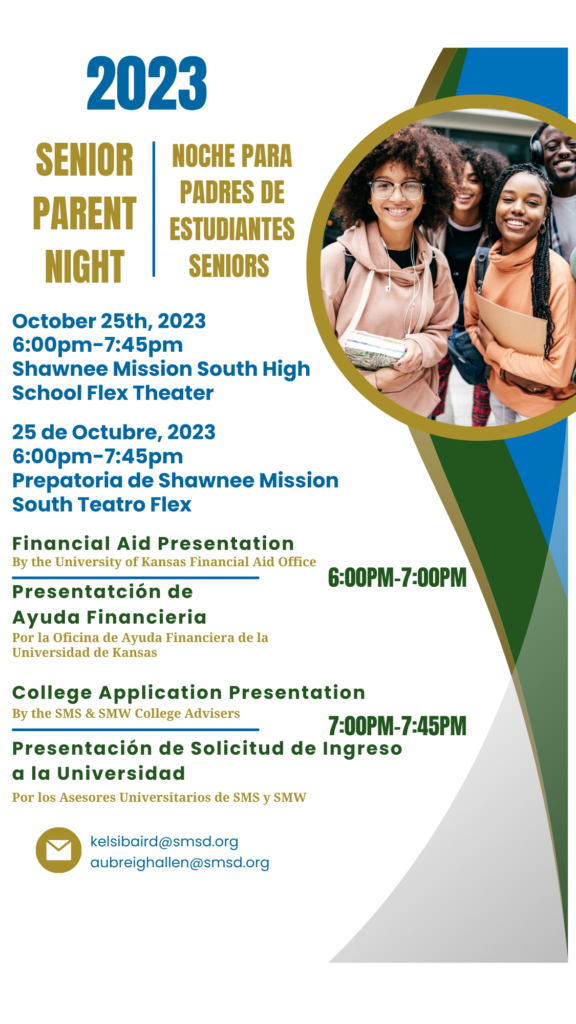
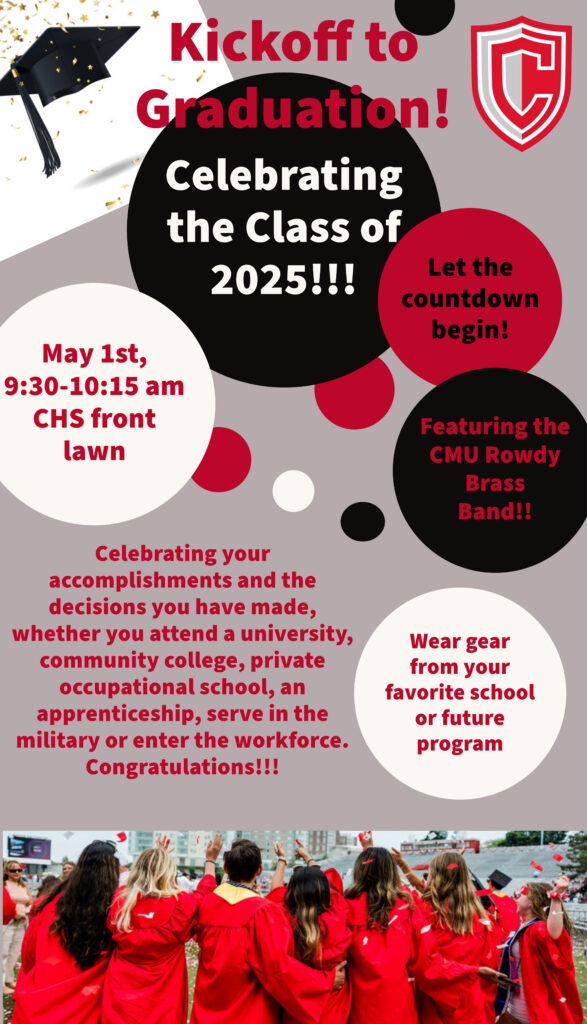
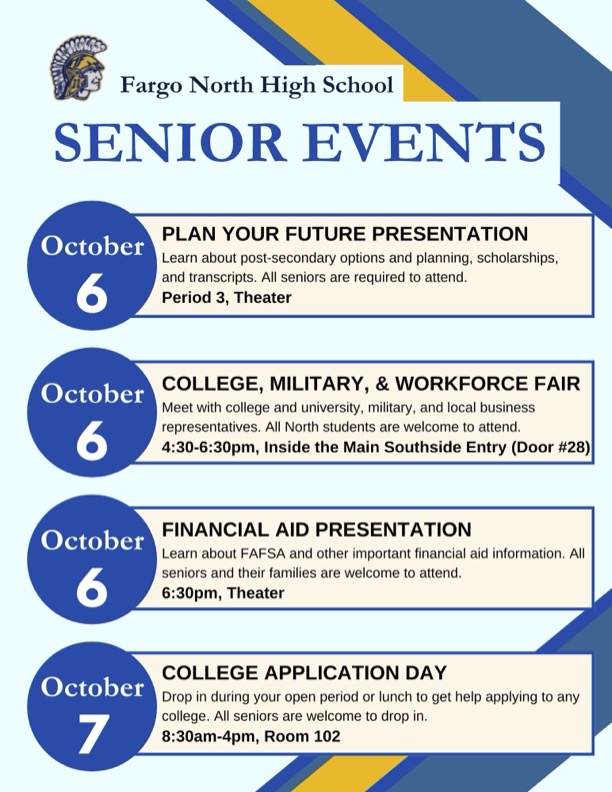
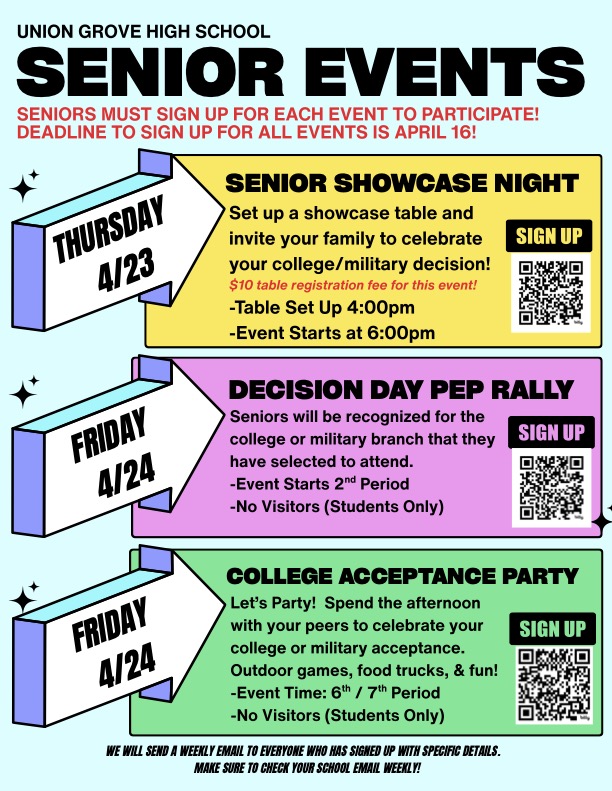
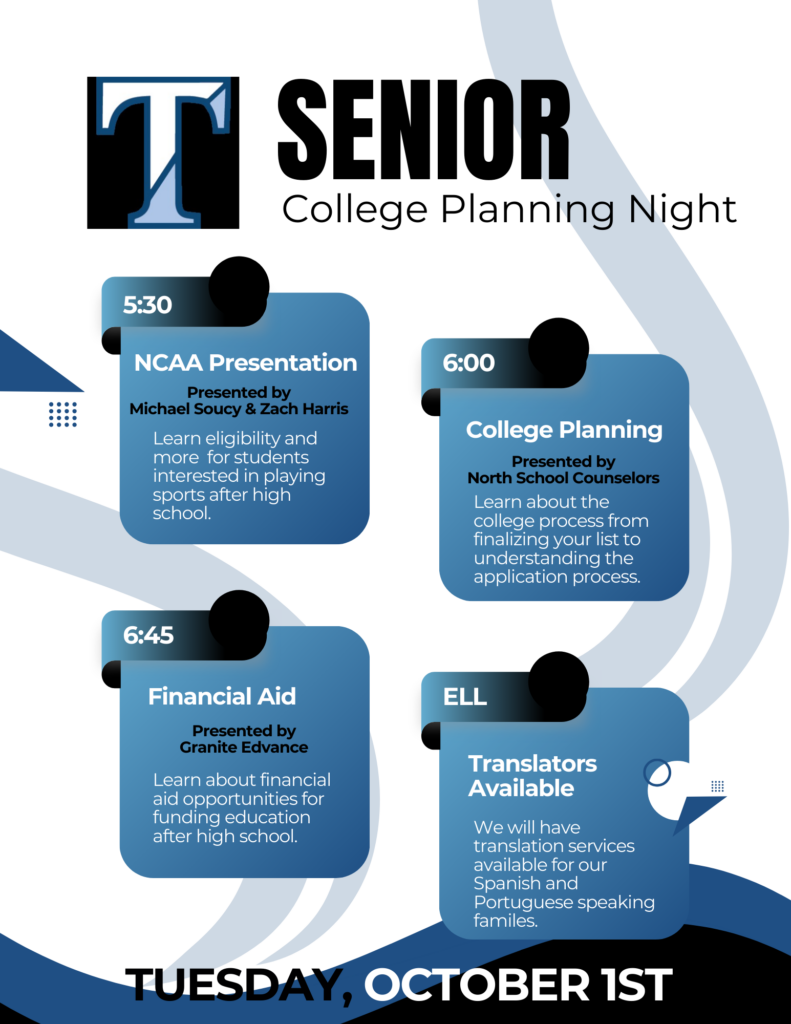
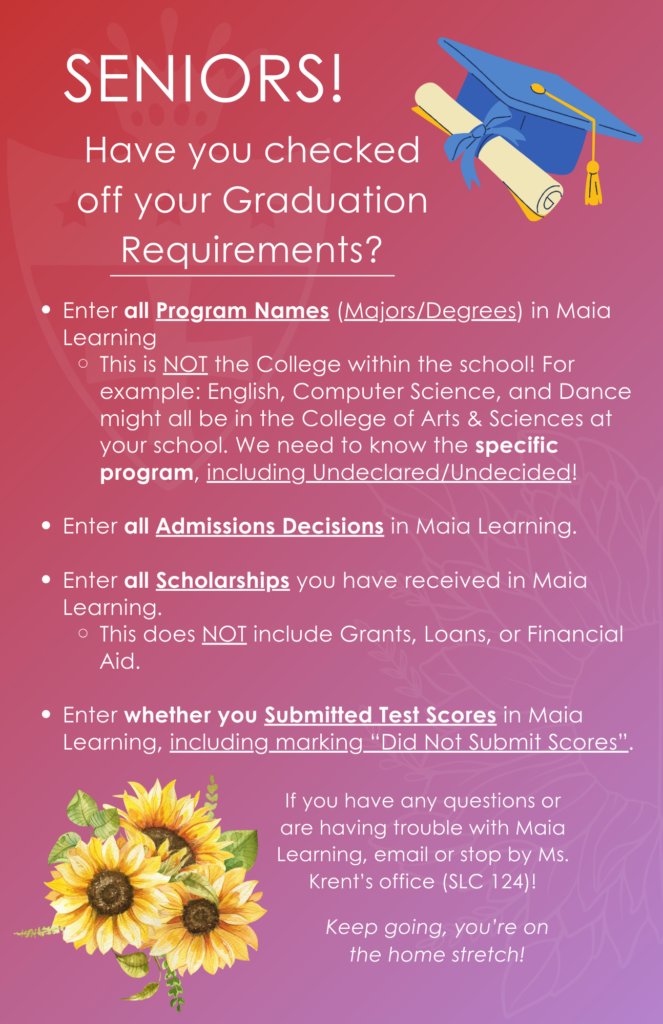
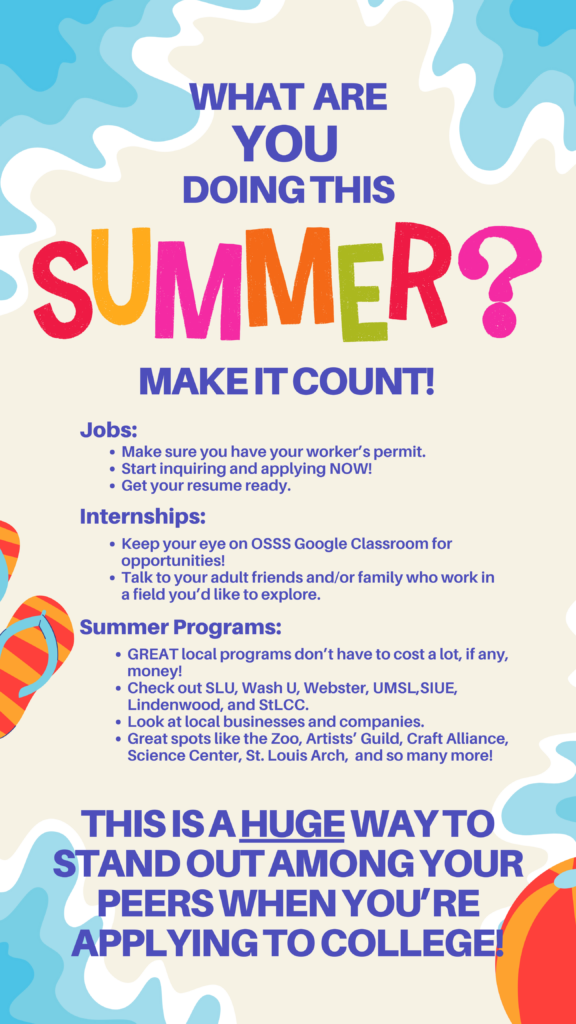
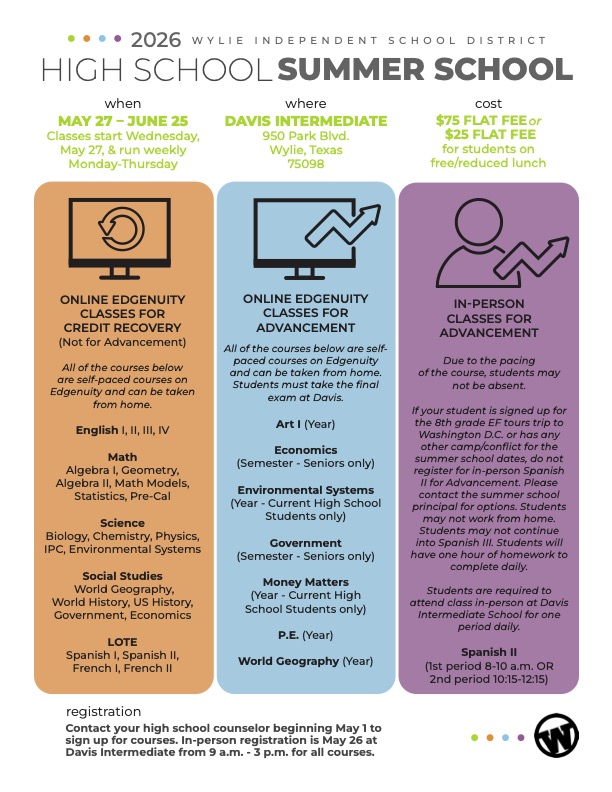
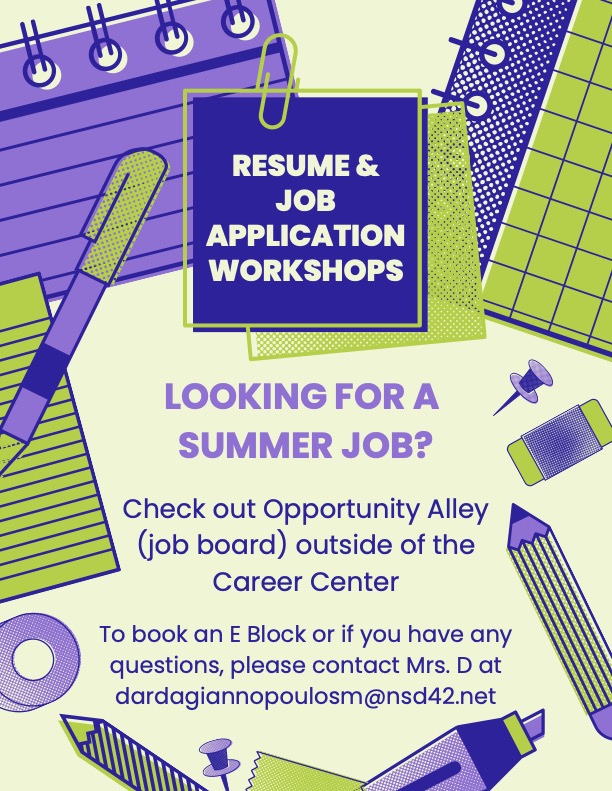
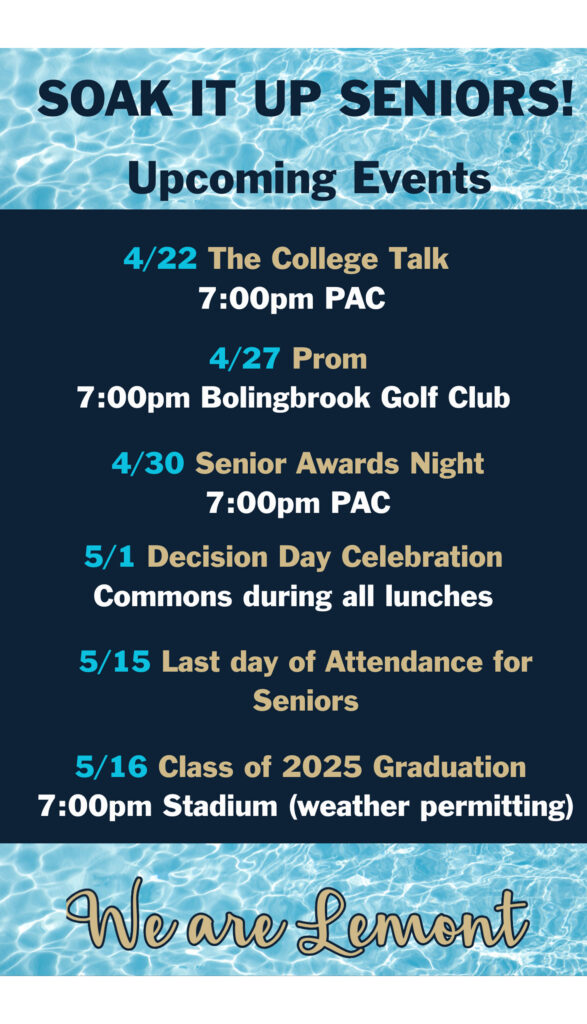
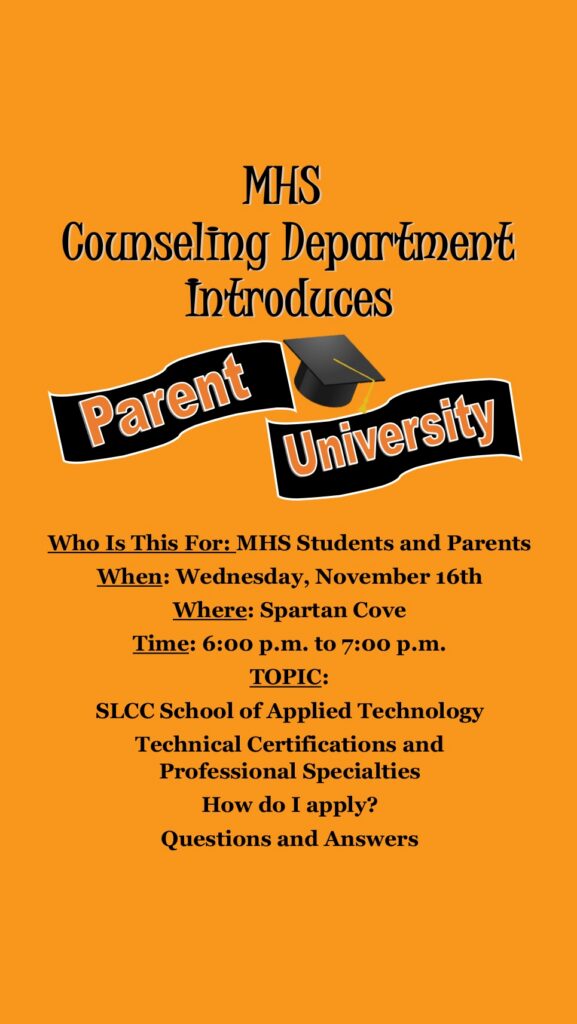
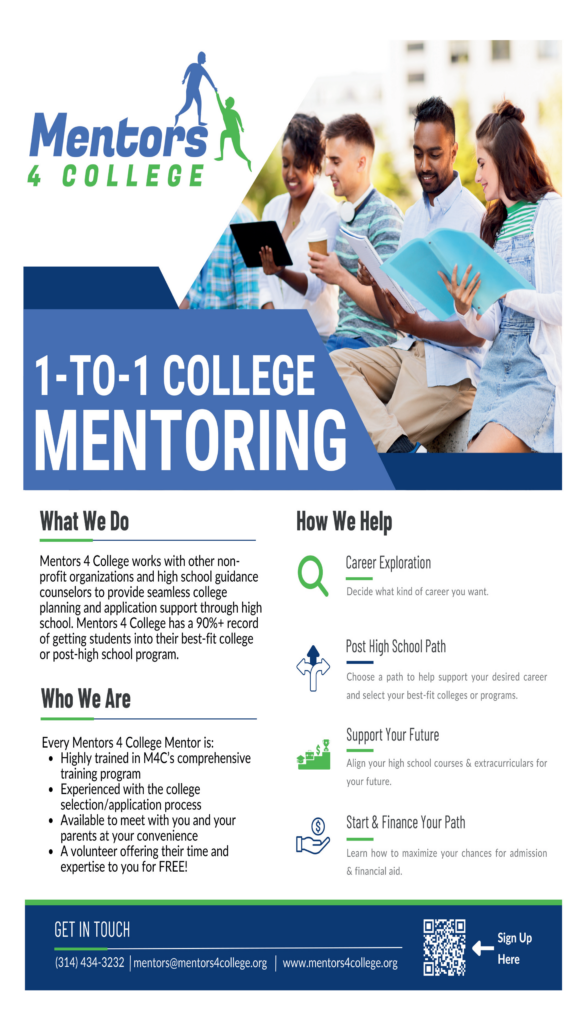
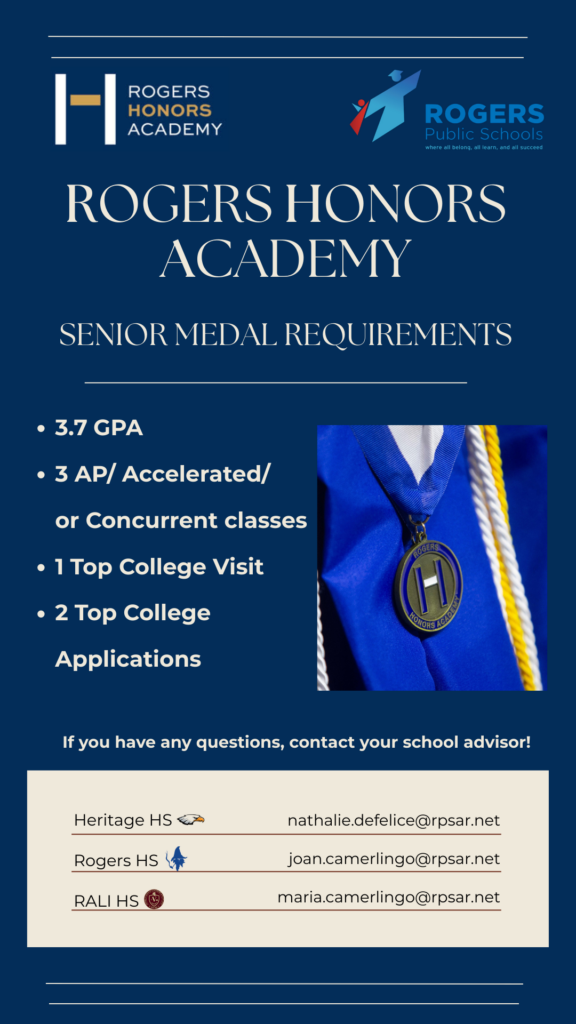
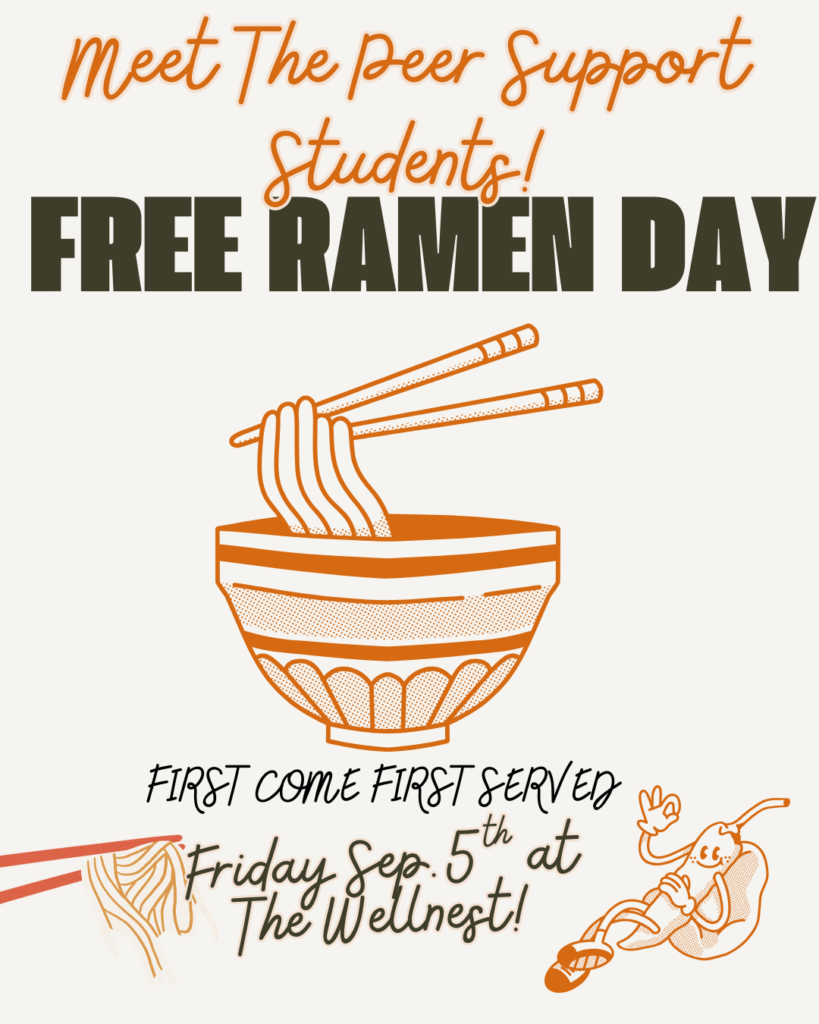
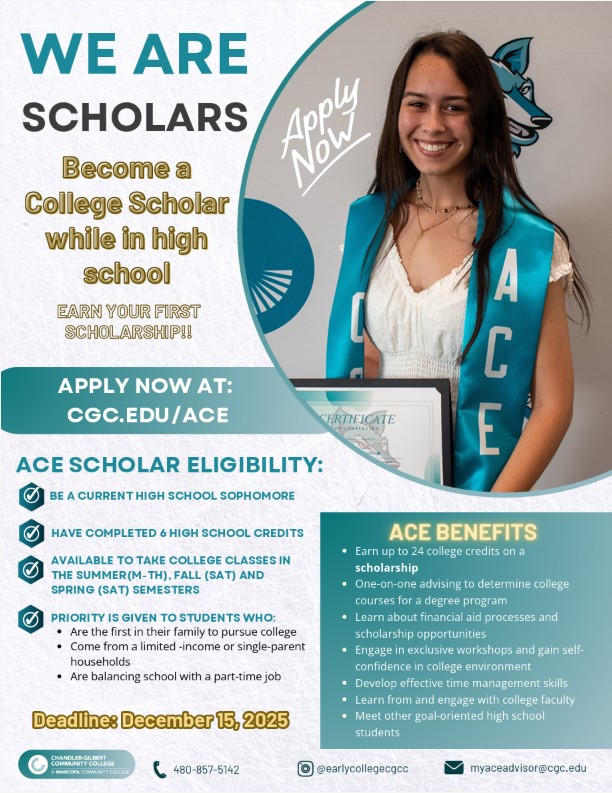
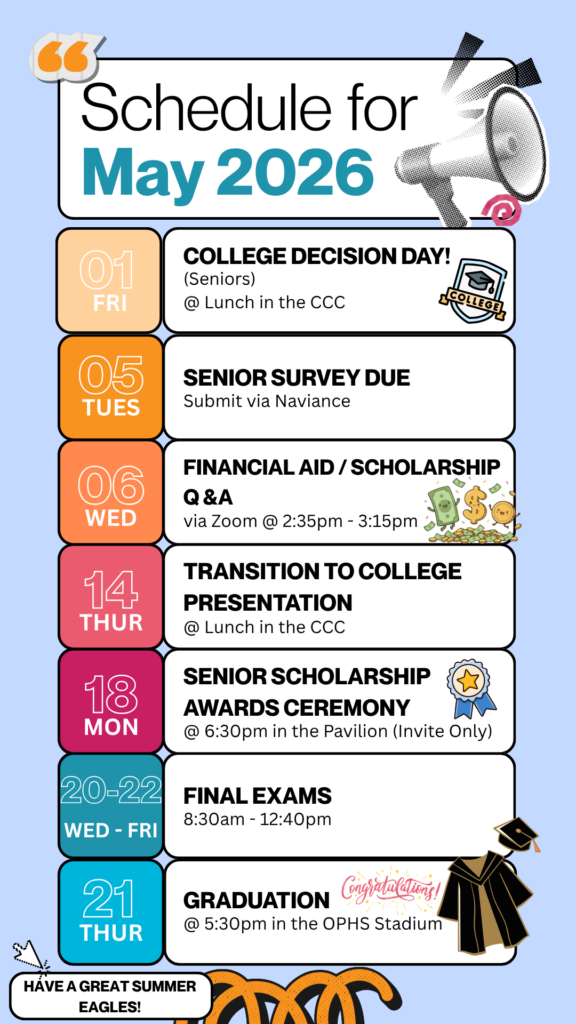
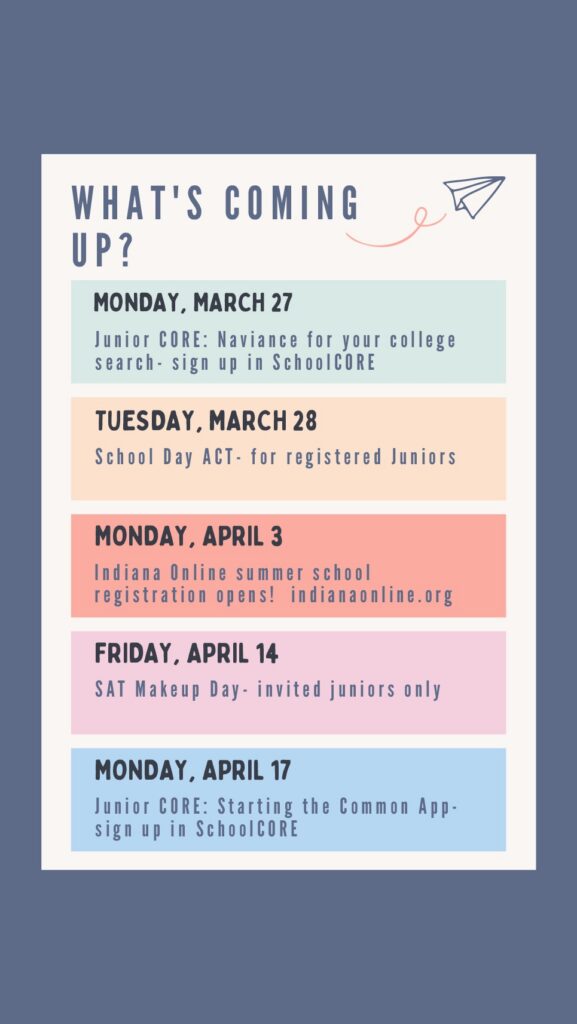
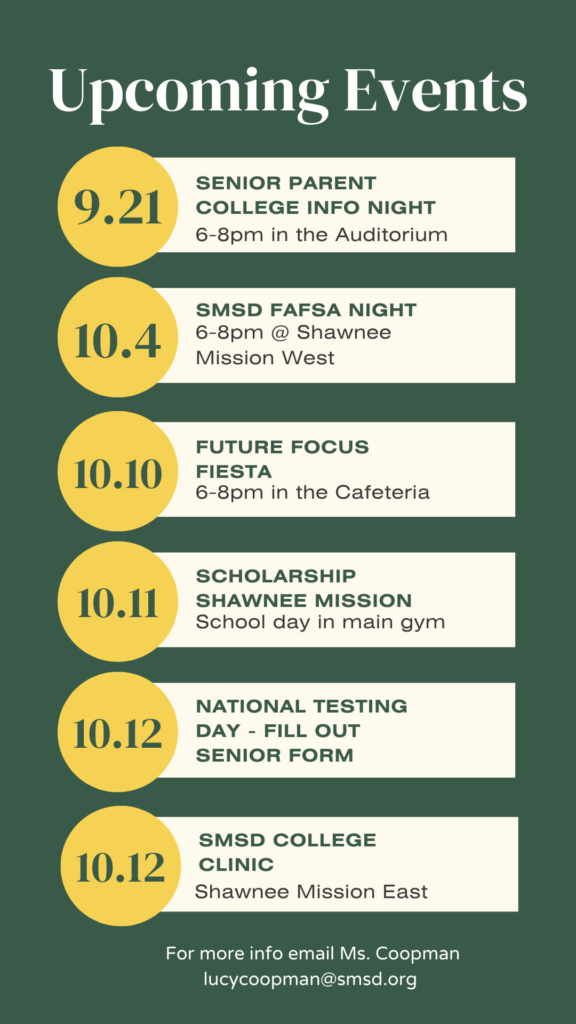
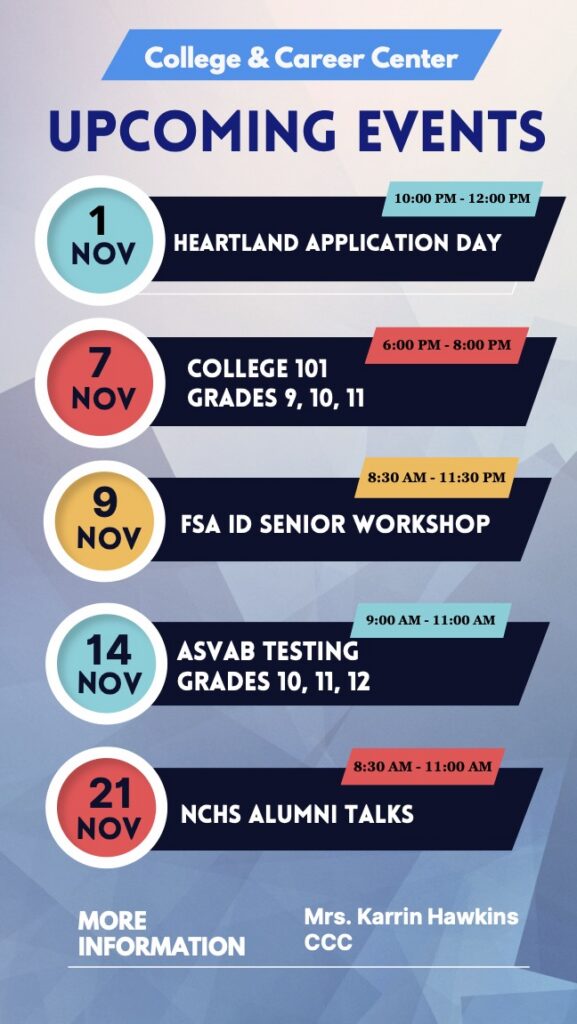
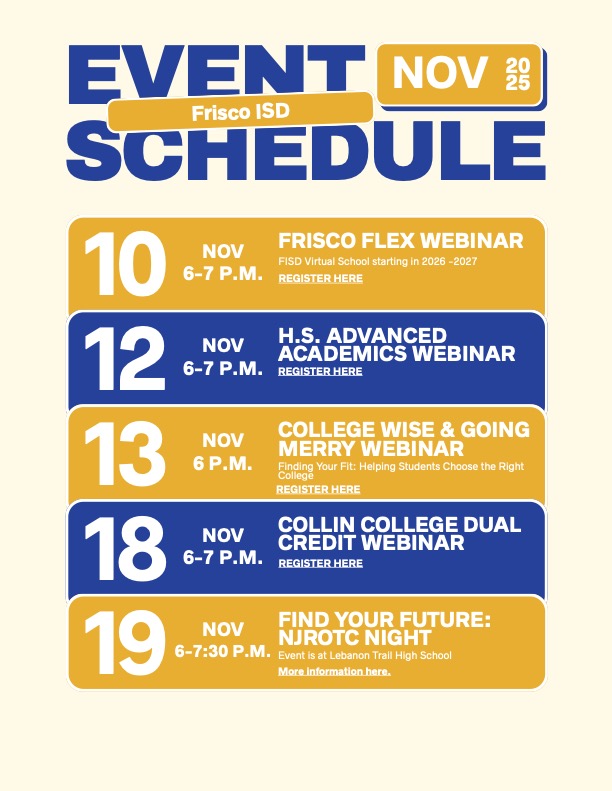
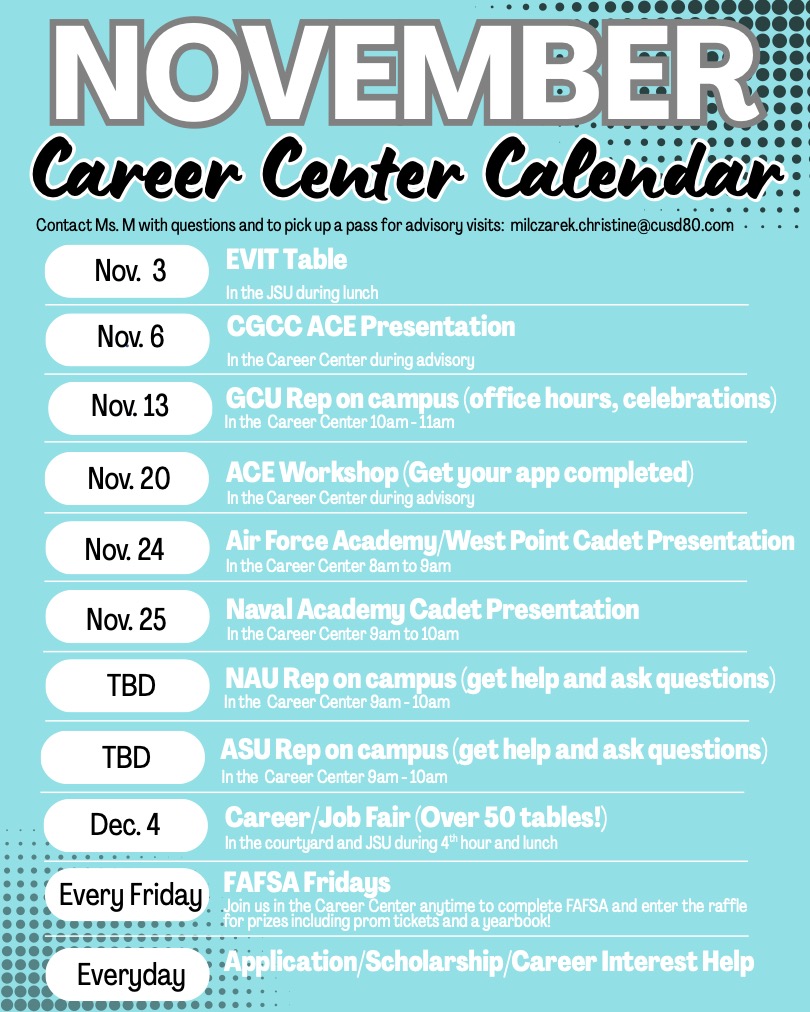
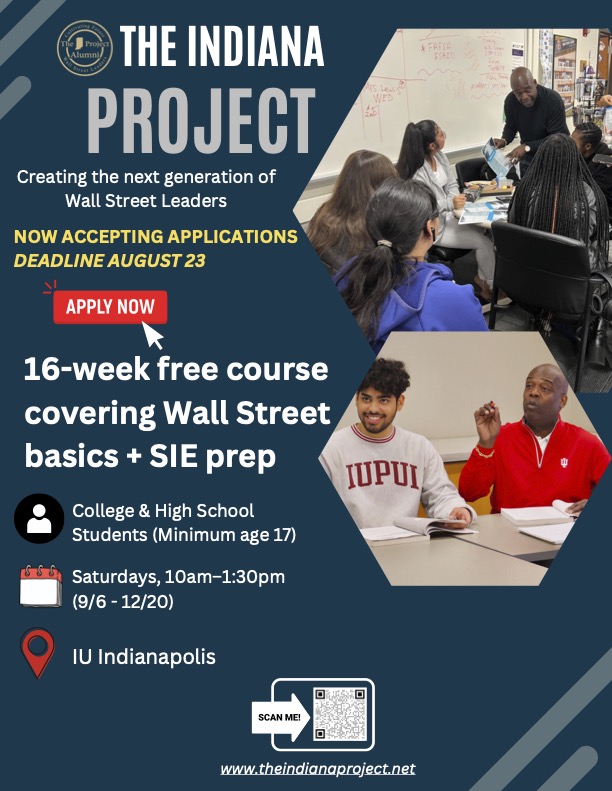
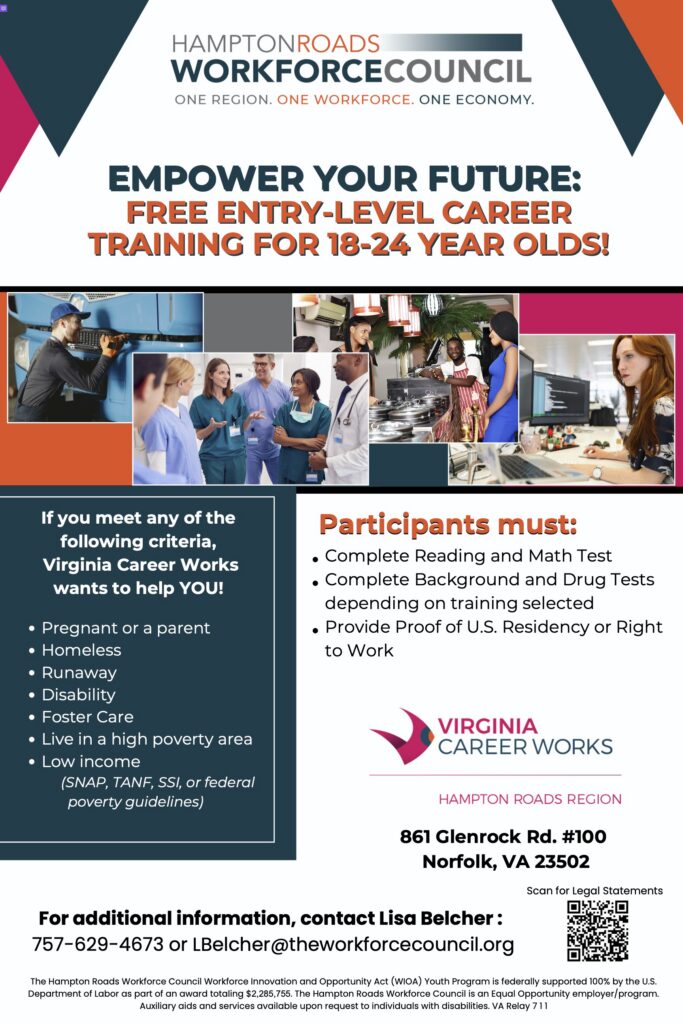
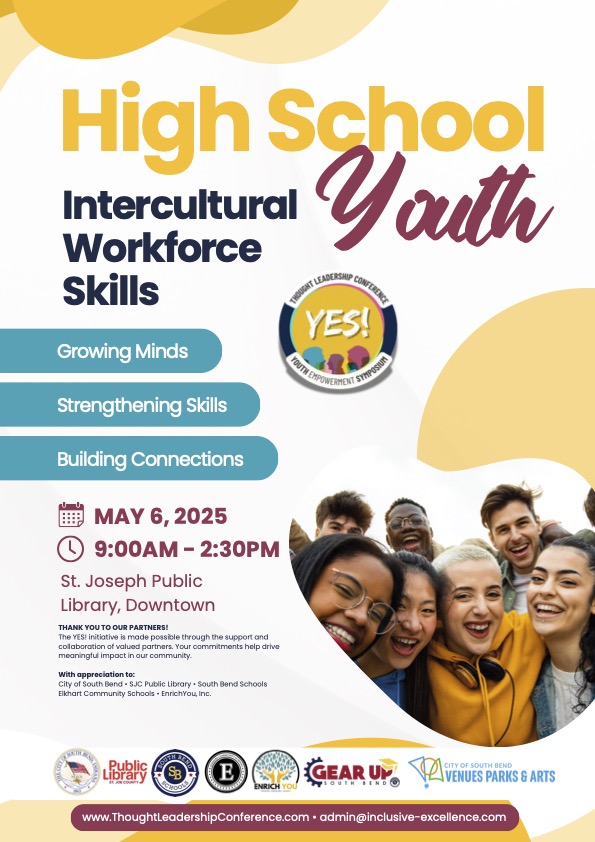
One of the amazing benefits of the NextGrad partnership is that we reserve spots on your screen for your counseling/student services department to display your school, district and community college and career announcements, events, and programs and services. We have had school and college counselors promote everything from FAFSA nights and ACT/SAT test prep classes, to local scholarship deadlines and upcoming college and career fairs.
Your school is allowed to display content that falls within the three domains of a high school counseling curriculum: Academic Planning, Social and Emotional Health, and College and Career Readiness. This content must be created by your department specifically for your students.
General school based announcements such as bell schedules, athletics and student clubs, and lunch menus and so forth do not meet the purpose of the NextGrad screen of being the “one-stop” digital bulletin board for all things related to planning and preparing for opportunities beyond high school.
NextGrad allows you to have two displays in the content rotation. Use the monthly calendar template alongside your annual programming calendar to plan messaging by month and topic. You can change your posters, weekly if you choose. Best practices are at least twice a month.
There are a myriad of content creation tools that our high school partners use from Google to Microsoft products, and Adobe. However, most of our counseling colleagues find Canva easy to use for this purpose. Our Artwork Template is provided to assist in this process.
Please note that we cannot accept external (non-partnered) college content due to copyright reasons. Schools must reach out to us directly in order to have access to our screen. If a college or university member reaches out, please give them our contact information. They can reach Marc Margolies our High School Network Director at — Marc@nextgrad.com.
Once your content is created save it as a png., jpg. or pdf. and maximum quality and email it to Marc Margolies at — Marc@nextgrad.com.
Let Marc know the date you want it to go live on your screen. He will get it formatted and loaded to your content slide deck within 48 hours. You must also let Marc know when you want that poster display to come down and be replaced by new content.
Building a content calendar is a great way to plan and organize a schedule for creating and publishing content across various platforms. It begins with clearly understanding the target audience, overarching goals, and key messages. The next step is to identify relevant topics that resonate with the audience and align with your school’s objectives. These ideas are then distributed over a specified period, considering factors like school events and other important dates. A well-structured content calendar ensures consistency, prevents last-minute rushes, and allows for effective collaboration among team members. Regular reviews and adjustments help optimize content strategies for better engagement and results.
Static Graphic Creative Requirements
Dimensions: 1080×1920
Resolution: 1080p
Ratio: 9:16 tall (Canva)
Format: PNG, JPG
Flight Dates: Include start and end dates for the creative or creatives if multiple are submitted in advance. We can pre-schedule multiple creatives with provided timelines.

Video Creative Requirements
Dimensions: 1080×1920
Resolution:1080P, 4K Video
Ratio: 9:16 tall (Canva)
Duration: Must be exactly 15 seconds
Audio: No audio permitted
Format: MP4
Flight Dates: Include start and end dates for the creative or creatives if multiple are submitted in advance. We can pre-schedule multiple creatives with provided timelines.
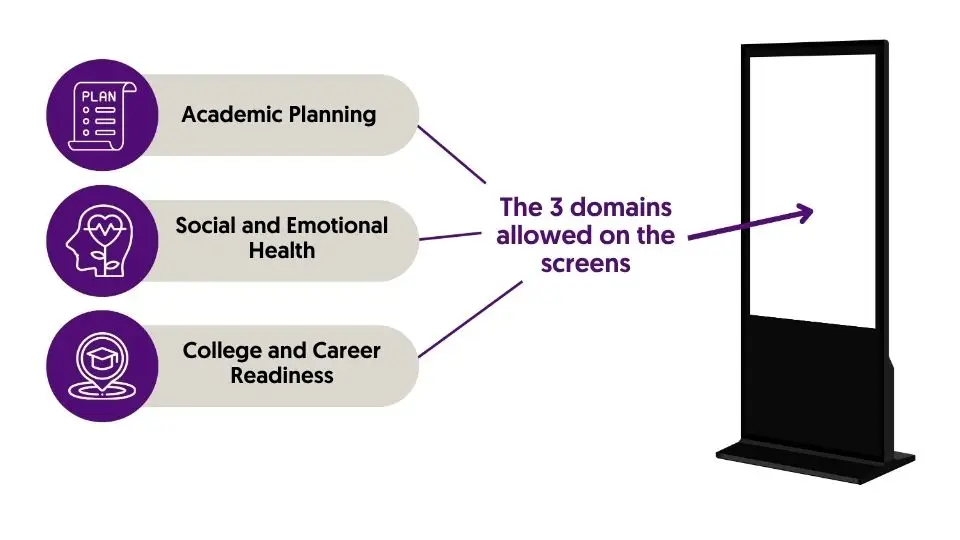
(We suggest two creatives per month– rotating together or running one the first half and swapping mid-month)